How to install a power supply
Once you've opened up your new PC case, often the most sensible next step is to install the power supply. Pretty much everything else you install
- How to build a PC: An online guide to building your own computer from scratch
- How to take a PC case apart
- How to install a power supply
- How to install a motherboard
- How to Install an Intel processor
- How to install an AMD processor
- How and Where to Properly Install PC Cables and Wires for SSD, Panel Switches, and More
- How to Install a New Hard Drive or SSD Drive on a PC
- How to Install and Use an SSD (Solid-State Drive)
- How to Install an Optical Drive
- How to install a graphics card
- How to install expansion cards
- How to put a PC case back together
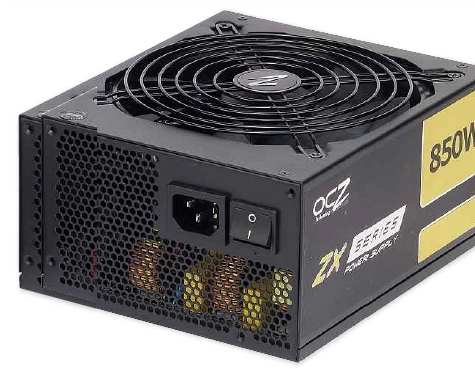
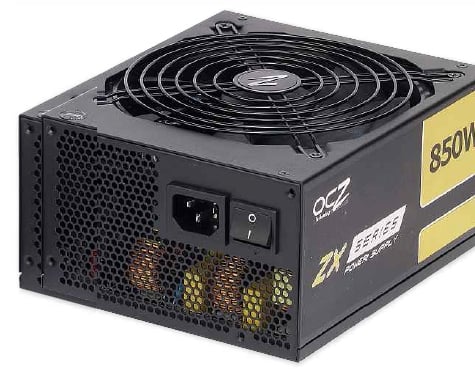
Once you’ve opened up your new PC case, often the most sensible next step is to install the power supply. Pretty much everything else you install afterwards will connect to this to draw power.
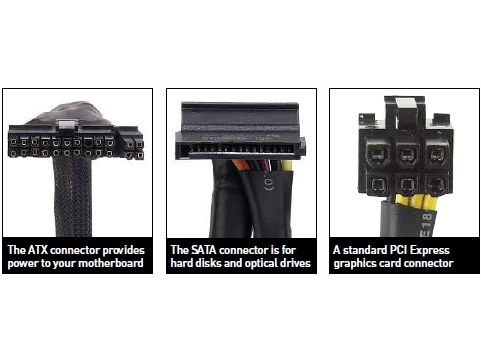
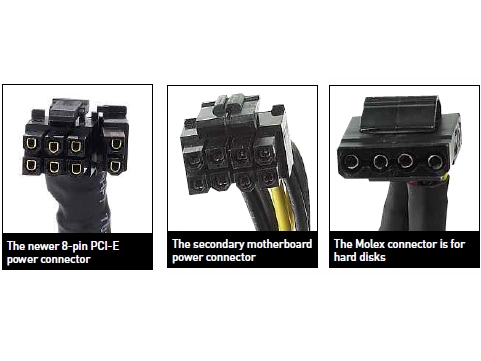
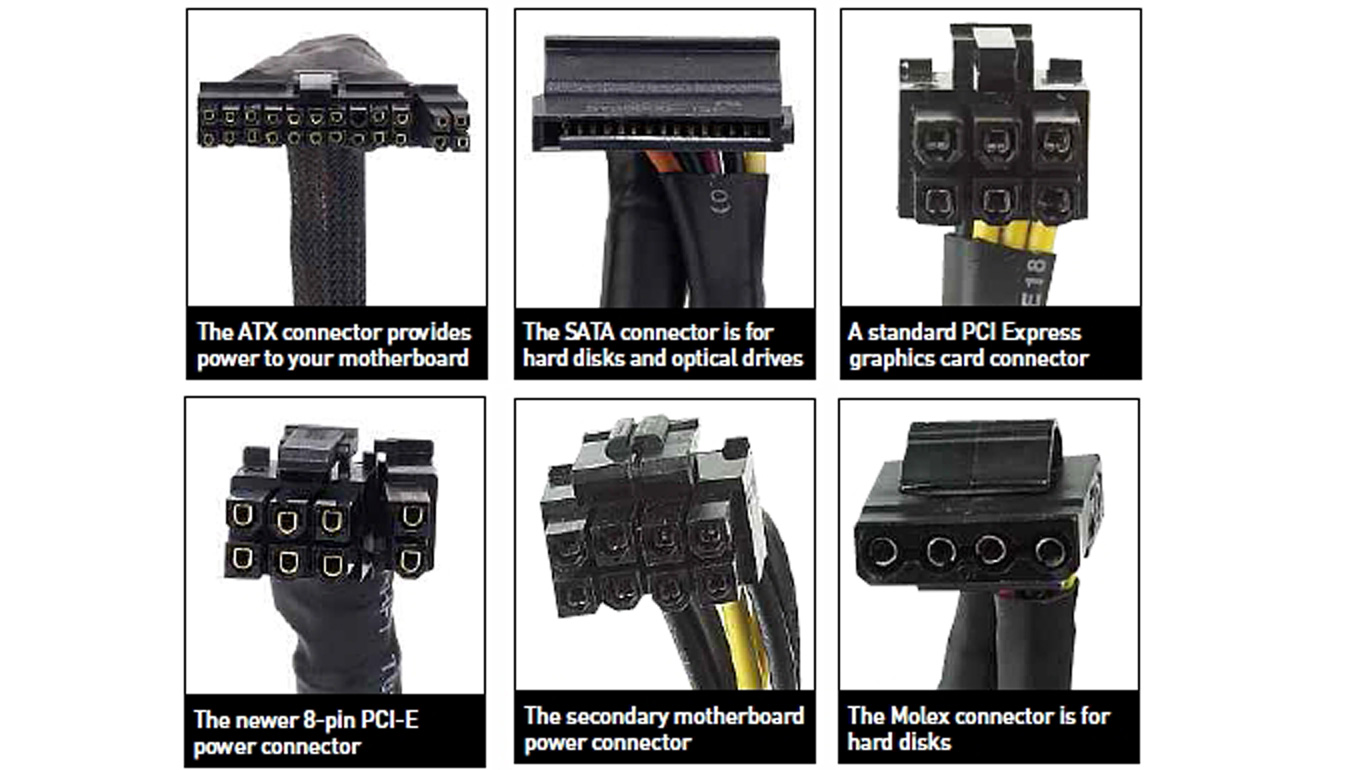
1. Know your cables
There are many cables coming out of the average power supply, and you need to know what they do. Here’s a run-down of the main ones to look out for.
2. Fit supply on to shelf
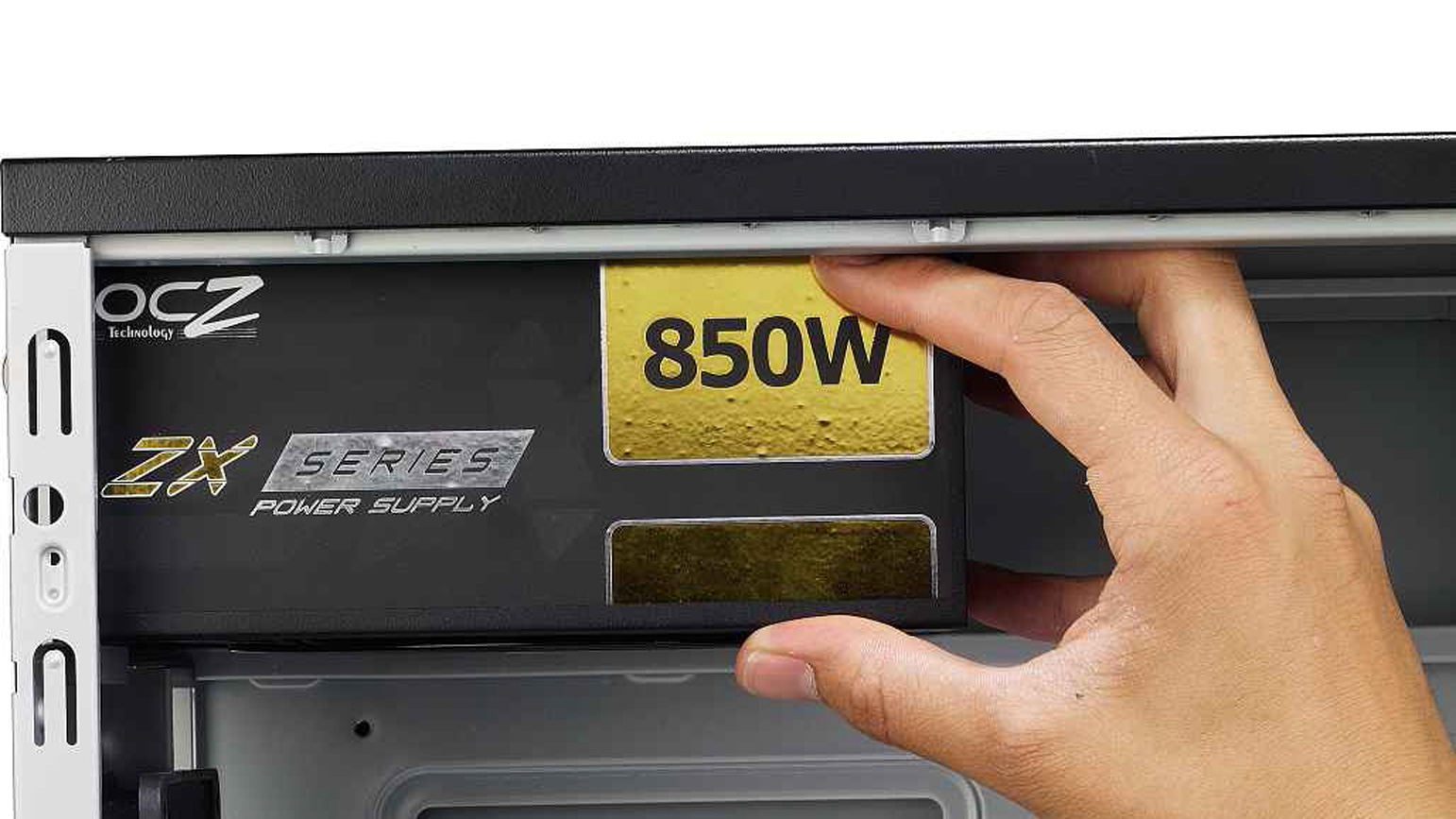
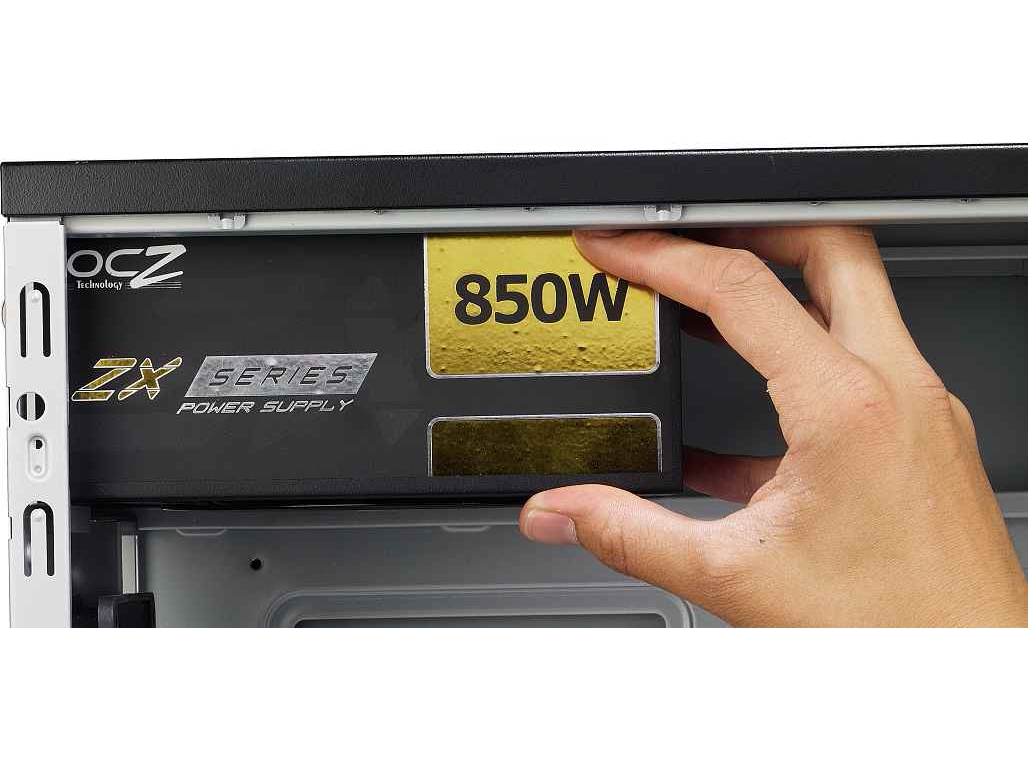
If your power supply fits at the top of your case (some cases have space at the bottom), you’ll see a small shelf for it to rest on.
Slide the power supply on to this shelf and push it backwards until it makes contact with the back of the case.
3. Screw in supply
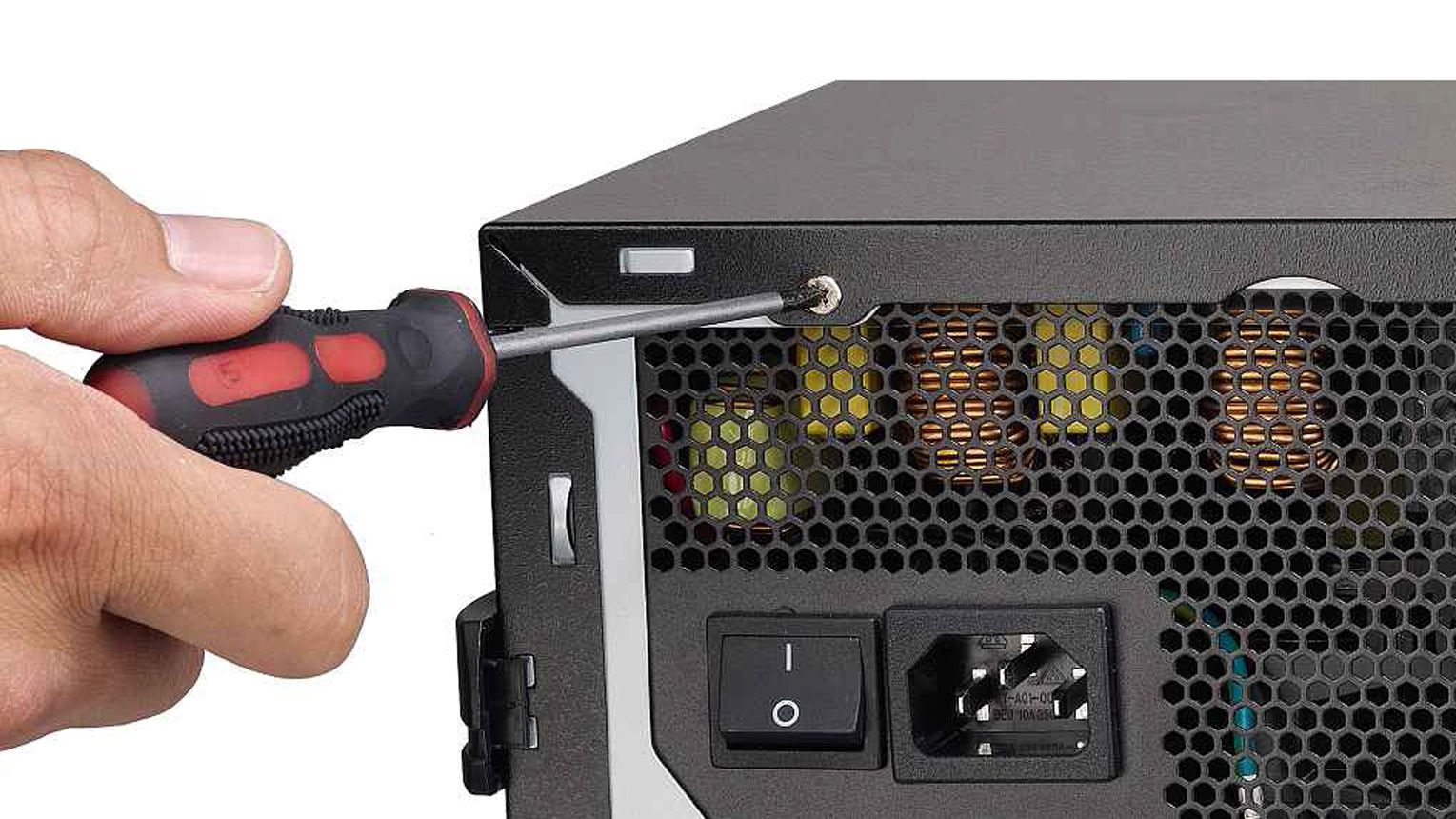
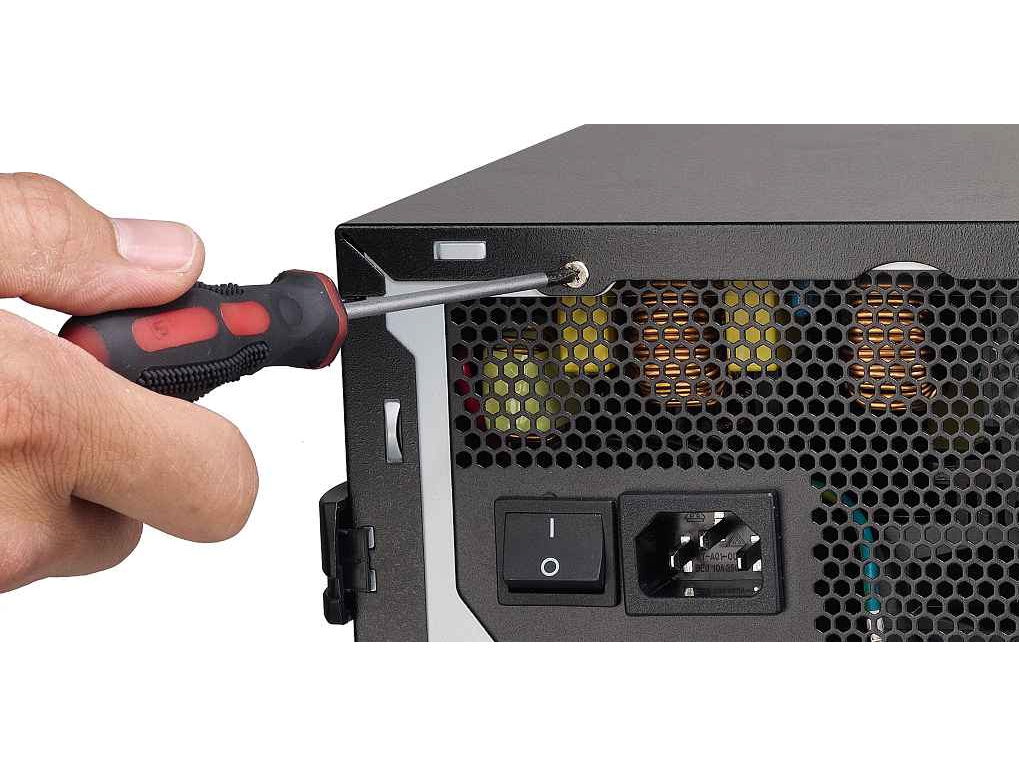
If your power supply is the correct way round, its screw holes will match up with those in the back of the case.
If they don’t, remove the supply and rotate it 180 degrees. Use four screws to attach the power supply securely to the case.
Don’t have a power supply yet? You can buy a reasonably-priced one from Amazon to suit your needs.
Related Posts
No related posts.
Original publication by Alphr: Source article