How to take a PC case apart
The first thing to do when building a PC is open up the case, ready to put everything inside. You can take the vast majority of PC cases apart in four
- How to build a PC: An online guide to building your own computer from scratch
- How to take a PC case apart
- How to install a power supply
- How to install a motherboard
- How to Install an Intel processor
- How to install an AMD processor
- How and Where to Properly Install PC Cables and Wires for SSD, Panel Switches, and More
- How to Install a New Hard Drive or SSD Drive on a PC
- How to Install and Use an SSD (Solid-State Drive)
- How to Install an Optical Drive
- How to install a graphics card
- How to install expansion cards
- How to put a PC case back together
The first thing to do when building a PC is open up the case, ready to put everything inside.
You can take the vast majority of PC cases apart in four simple steps.
1. Remove the sides

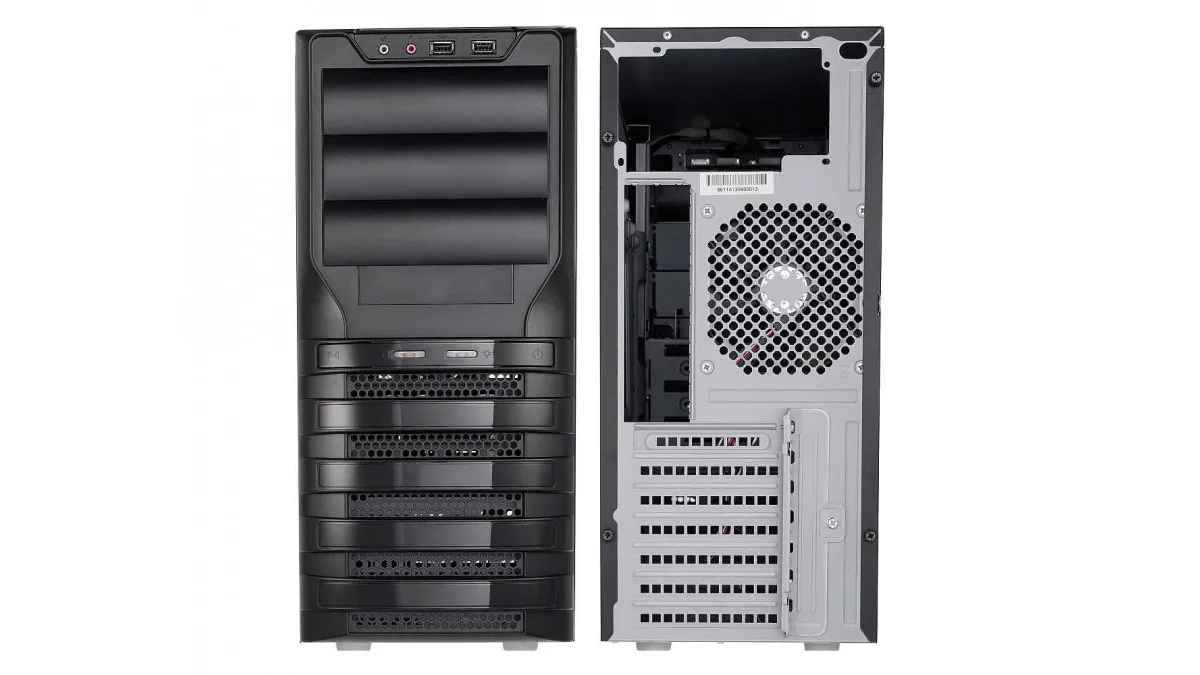
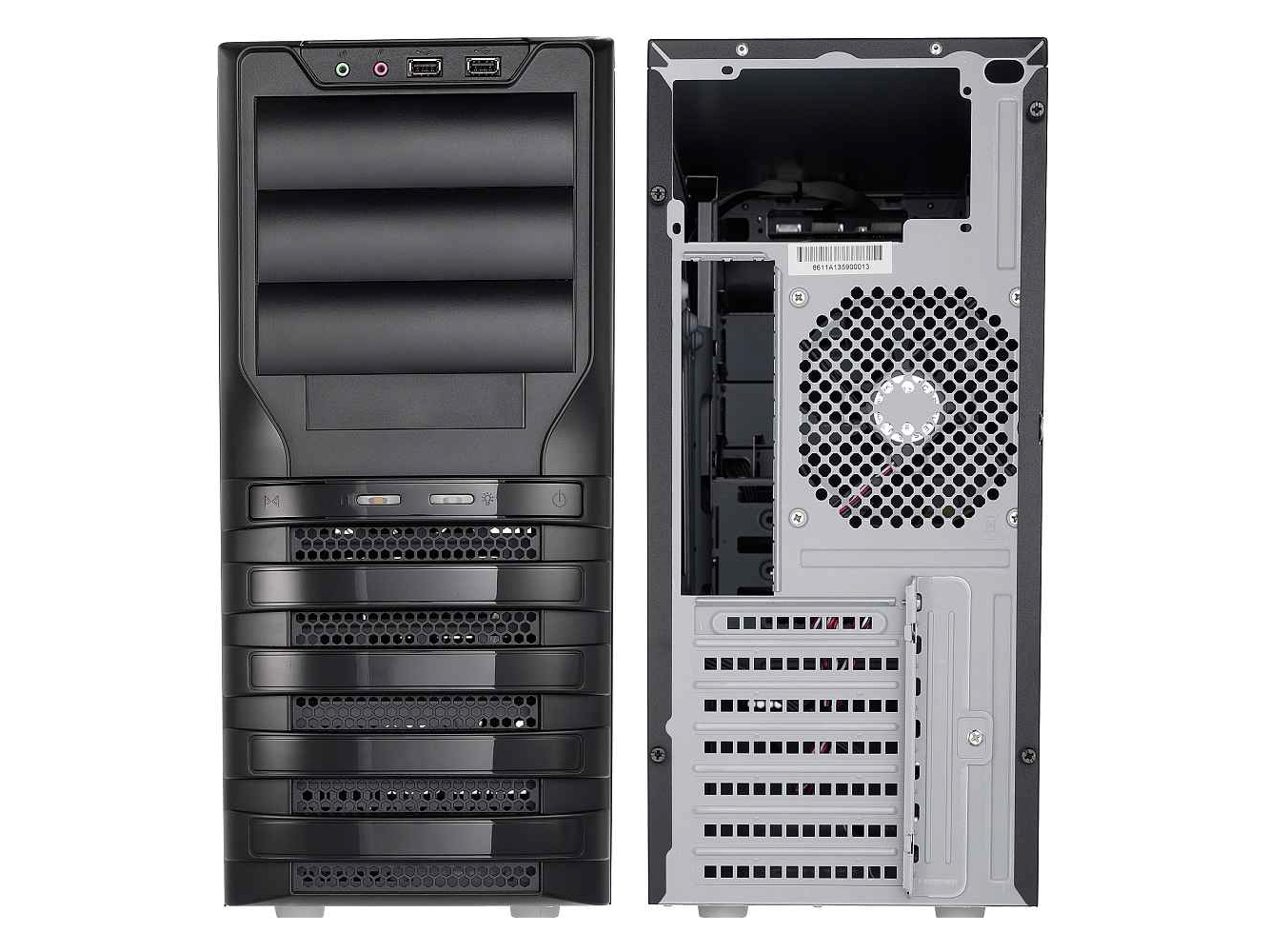
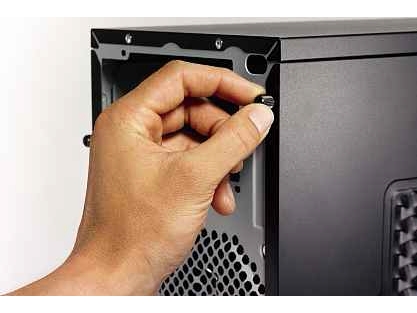
Start by taking off the side panels to get inside the case. You may need to take the front panel off first to get at the screws to remove the side panels. Some cases, like the one pictured, have thumbscrews, so you don’t even need a screwdriver. If your case has a second panel, make sure that you remove this, too, so that you can work on both sides of the case when you’re inside it – it makes it far easier to route cables neatly, too.
2. Take out innards
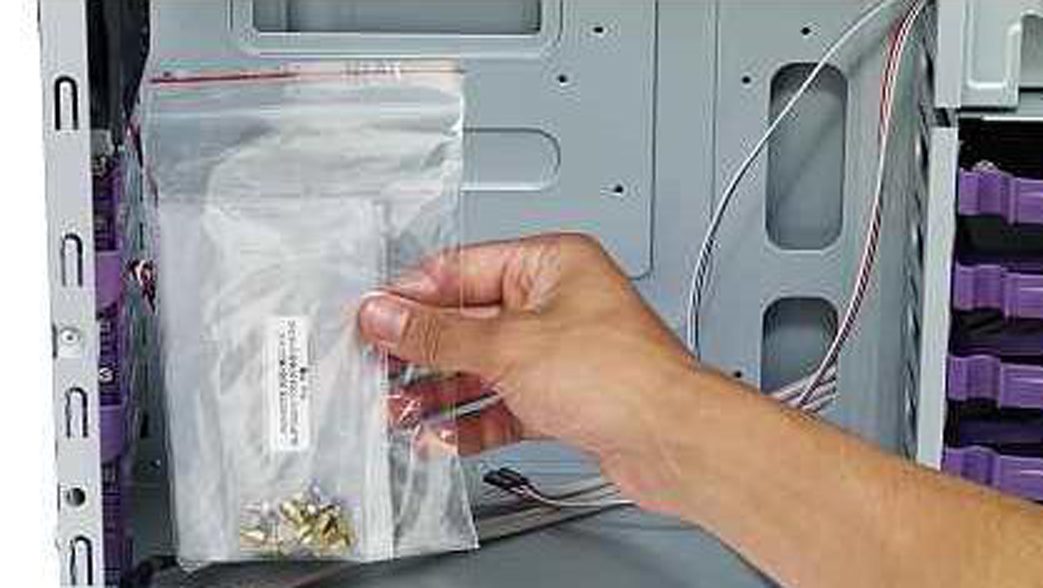
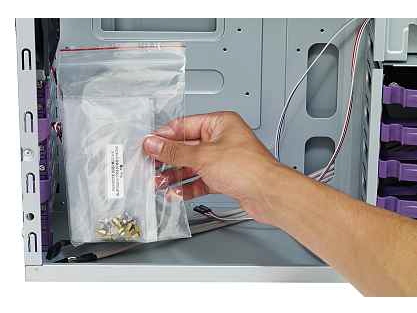
Once you’re inside your case, you need to check it for accessories. It’s common for manufacturers to put spare screws, proprietary drive rails and instruction manuals inside. Take out everything that isn’t screwed into place. Look for silica gel taped to the side as well. Remove any packaging so that you’re left with a bare interior.
3. Remove optical drive blanking plates
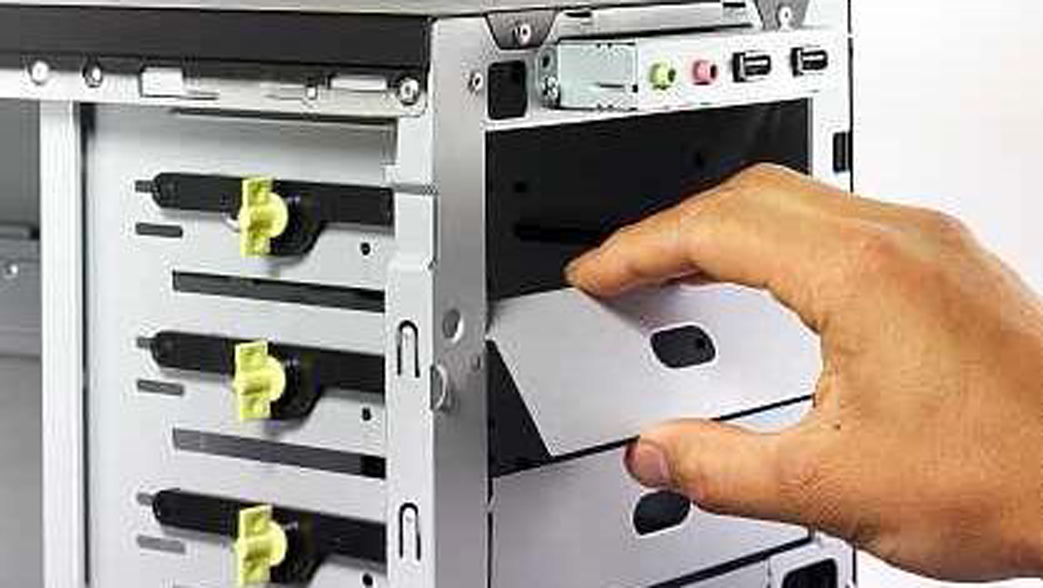
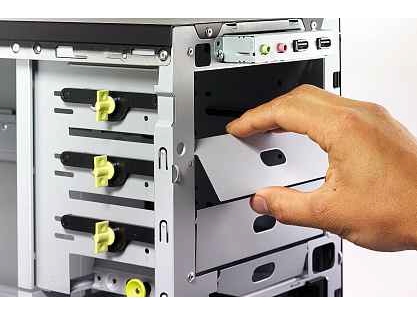
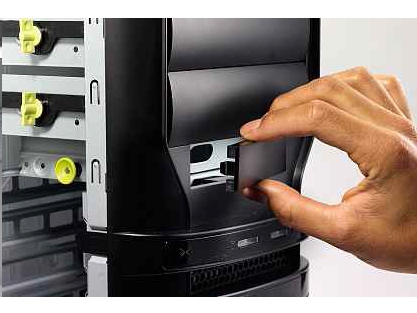
In order to fit your optical drive later, you may need to remove some plastic and metal blanking plates. If you haven’t done so already, it’s probably helpful to take off the front of the case. Your case’s manual will tell you how to do this, but most cases simply unclip from the inside.
Look for the 5.25in drive bay into which you’ll fit your optical drive. Match this up to the front panel. On some cases this will be the top one, which will have a flap to hide the optical drive from view, so you don’t have to get a drive the same colour as your case. On other cases, you’ll have a plastic blanking plate on the front panel that should unclip.
Inside the case, you’ll find a metal blanking plate that you’ll need to remove. By gently rocking it backwards and forwards, you should be able to break the connection. Be careful not to cut yourself doing this.
4. Remove floppy drive blanking plates

If you’re planning to fit a memory card reader or floppy disk drive, you’ll need to follow the same steps you did for the optical drive. Find the 3.5in drive bay you want to use and break off the metal blanking plate. Next, pop out the corresponding plastic blanking plate on the front panel.
Buy a PC case now from Amazon.co.uk
TIP: The inside of the case can have sharp edges, so be careful when you remove any blanking plates.
Related Posts
No related posts.
Original publication by Alphr: Source article