
iPhone 16: Use Camera Control Button as a Magnifier
iPhone 16: Use Camera Control Button as a MagnifierFriday September 20, 2024 5:44 AM PDT by Tim HardwickApple's latest iPhone 16 models include a new Camera Control button (located on the lower right-hand side when holding the pho
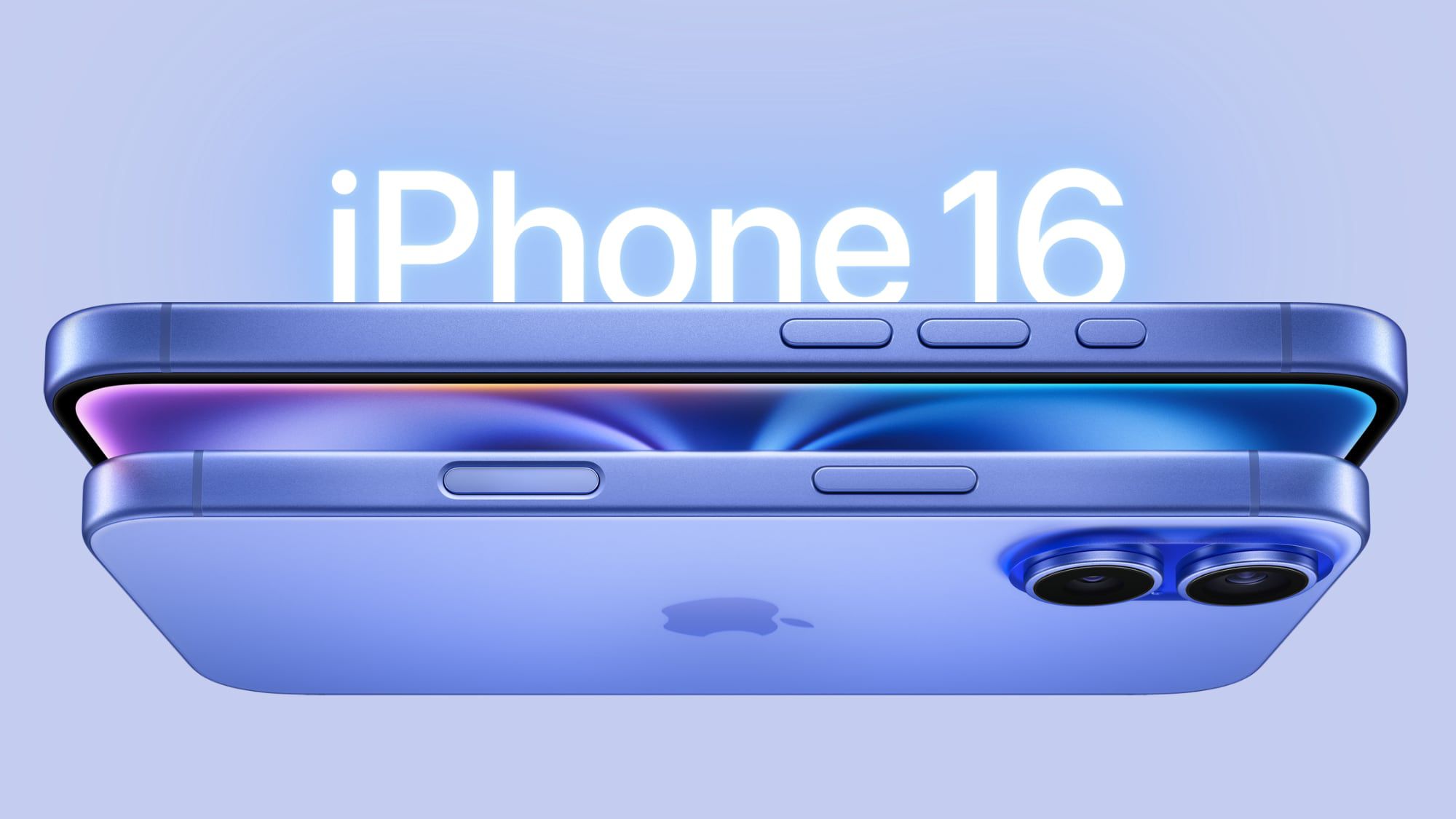
Table of Contents
iPhone 16: Use Camera Control Button as a Magnifier
Apple's latest iPhone 16 models include a new Camera Control button (located on the lower right-hand side when holding the phone in portrait mode). The new button aims to make it easier to adjust photography settings when shooting with the iPhone in both portrait and landscape orientation, but if you want, you can make it bring up your iPhone's Magnifier app.

Having quick access to the Magnifier tool via the Camera Control button could prove invaluable in various scenarios. For people with visual impairments, the feature allows for instant magnification of small text on menus, product labels, or medication instructions without them having to fumble through apps.
The best thing about using Camera Control with the Magnifier is that the button retains its light press functionality, allowing you to zoom in and out with it, as well as access a menu that includes options for brightness, contrast, filters, torch, and more if you add them via the Magnifier's settings menu.

To re-assign the Camera Control button to the Magnifier tool, simply follow these steps:
- On your iPhone, open Settings.
- Tap Camera.
- Tap Camera Control.
- Select the Magnifier option.
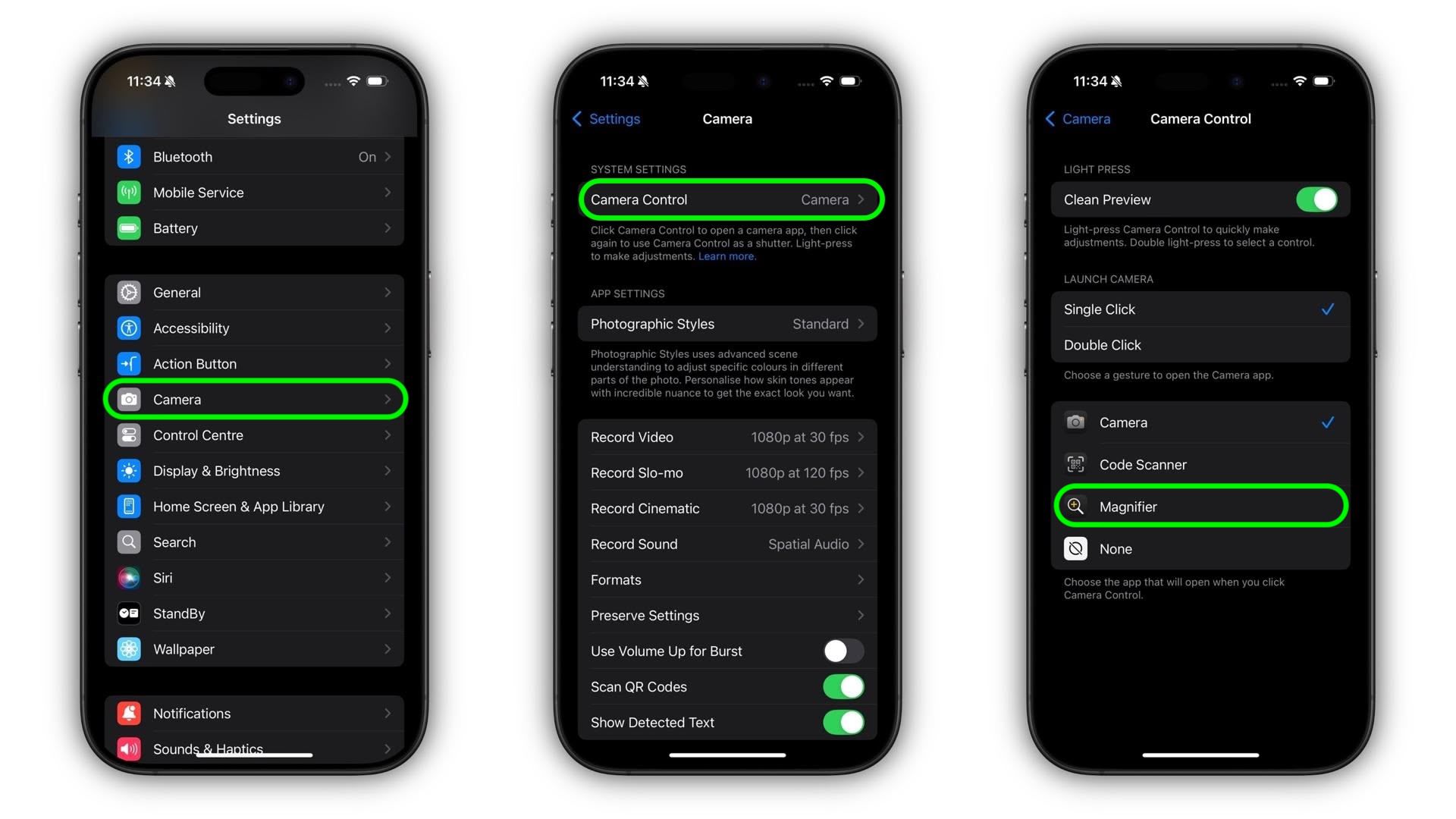
That's all there is to it. Now when you click Camera Control, the Magnifier app will be instantly invoked. You'll also see that there's a Code Scanner option that you can assign to the button from this settings menu. Of course, if you find no use for Camera Control, you can always disable the button entirely.
Popular Stories

Crackgate? iPhone Duo Owners Report Screens Breaking Along the Hinge

Apple Music Has a Hidden iPod You Can Play With

