
Assign Control Center Functions to Your iPhone's Action Button
Assign Control Center Functions to Your iPhone's Action ButtonFriday October 4, 2024 10:37 AM PDT by Tim HardwickThe Action button, introduced with the iPhone 15 Pro models and now featured on all iPhone 16 models, offers users a

Table of Contents
Assign Control Center Functions to Your iPhone's Action Button
The Action button, introduced with the iPhone 15 Pro models and now featured on all iPhone 16 models, offers users a customizable hardware button for quick access to various functions. With iOS 18, Apple has expanded its capabilities to include Control Center functions, which could potentially increase its utility for many users.

Despite its versatility, user adoption of the Action button has been mixed. For example, in April 2024 a MacRumors survey of iPhone 15 Pro users revealed that while some found the button a "game changer," particularly for activating custom Shortcuts, over half of respondents often forgot the button is even there. The most common uses among those who did use it included activating the camera or flashlight – functions already accessible via the default Lock screen.
However, the new ability to assign Control Center functions to the Action button may change its reception, and could address common criticisms about its limited usefulness. By providing quick access to frequently used Control Center settings, it may solve the "out of sight, out of mind" problem and make the Action button more integral to your daily iPhone use. For those looking to give the Action button another chance or maximize its potential, here's how to set it up:
- Open the Settings app on your iPhone.
- Scroll down and tap Action Button.
- Swipe through the available actions until you reach Controls.
- Tap the chevrons next to "Choose a Control."
- Scroll through the Control Center options or use the search bar at the top to find a specific control.
- Tap on the desired control to assign it to the Action button.

Some of the Control Center functions you can assign include Dark Mode, Airplane Mode, Cellular Data, Personal Hotspot, Quick Note, and Scan Code. Third-party app controls may also be available, depending on the apps installed on your device. Here's a full list of what's available:
- Calculator
- Stopwatch
- Alarm
- Home
- Timer
- Dark Mode
- Airplane Mode
- Cellular Data
- Personal Hotspot
- Open Music
- Quick Note
- Remote
- Scan Code
- Wallet
- Tap to Cash
- Ping My Watch
Looking at the above list, you may have noticed that not all Control Center toggles are available as Action button controls. For example, while you can assign cellular data control, Wi-Fi control is not an option. Weirdly, neither is Orientation Lock or Low Power Mode. Whether Apple plans to rectify these omissions in a future software update remains unclear. Regardless, you can still use Shortcuts to activate the missing functions.
Once you've set up your preferred Control Center function out of those that are available, you can activate it by pressing and holding the Action button. This provides a convenient way to toggle features or access tools without navigating through menus or opening the Control Center.
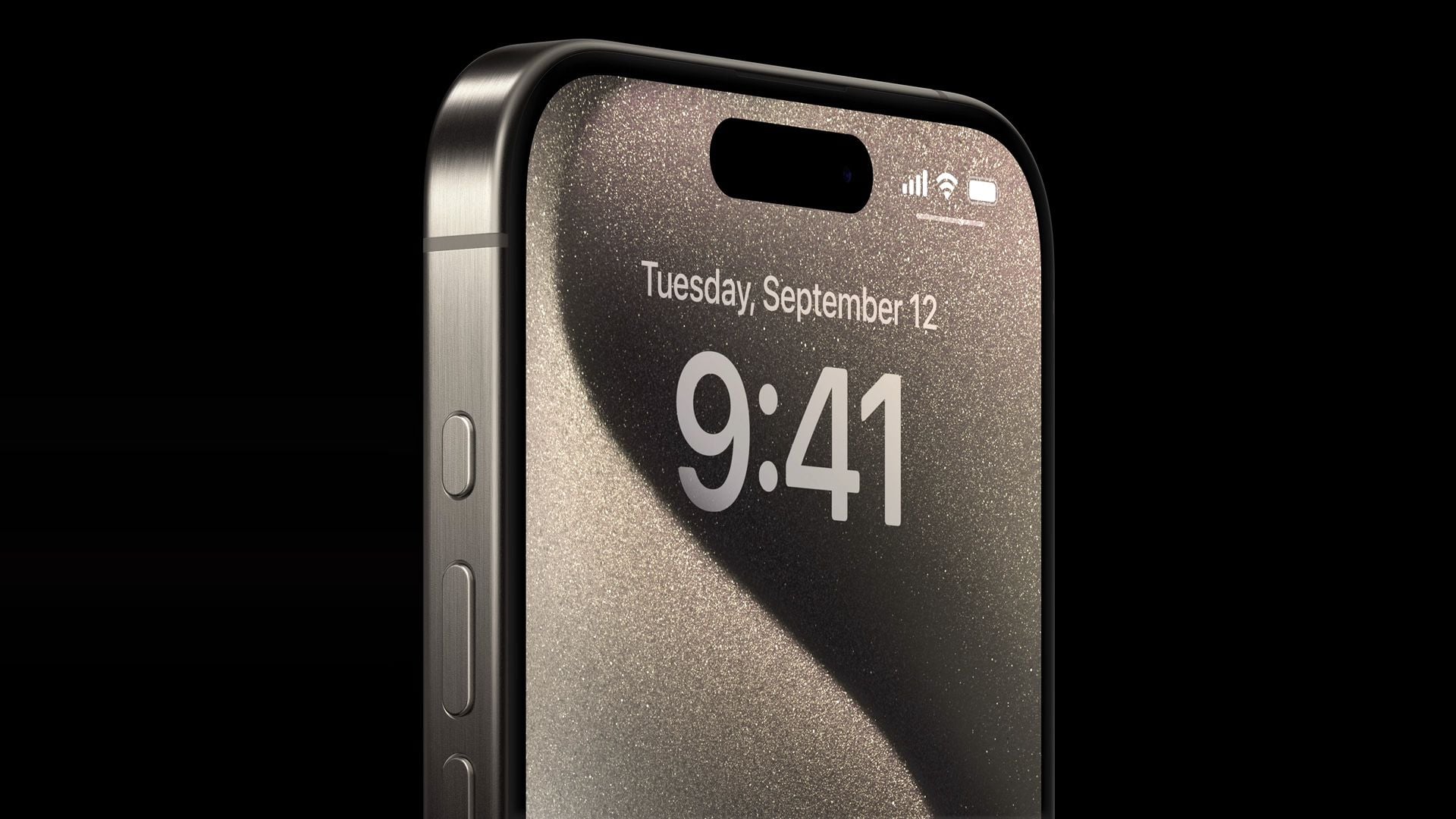
While some users may still find it challenging to incorporate the Action button into their daily usage, experimenting with different Control Center functions could help dial in just the right amount of muscle memory that reminds you it's there.
Popular Stories

Crackgate? iPhone Duo Owners Report Screens Breaking Along the Hinge

Apple Responds to iPhone Duo Display Cracking Reports

