iOS 26: Use Folders to Manage Playlists in Apple Music
iOS 26: Use Folders to Manage Playlists in Apple MusicFriday August 8, 2025 9:11 AM PDT by Tim HardwickIn iOS 26, Apple Music introduces playlist folders, bringing the same organizational power that's long been available for photo
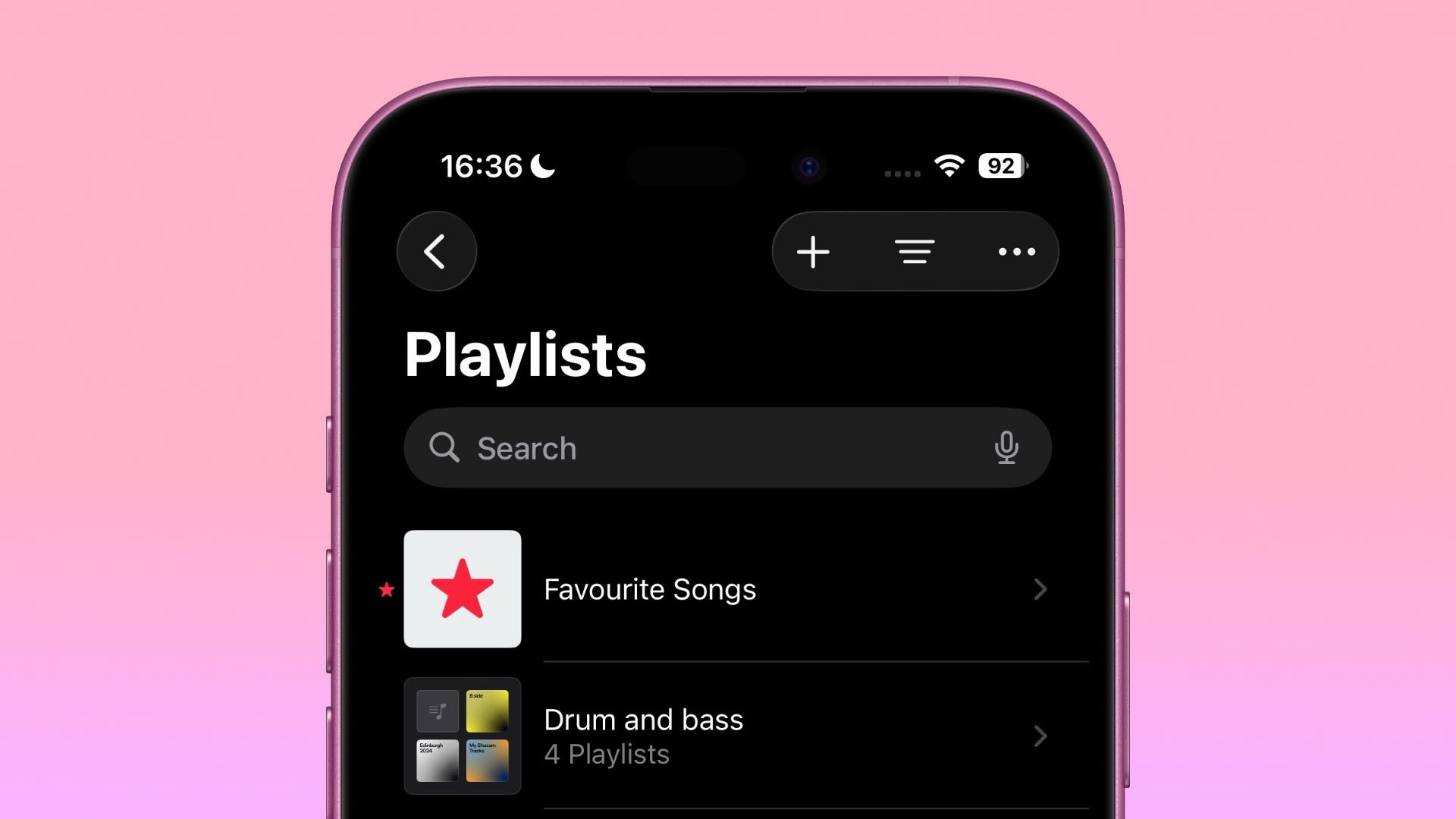
Table of Contents
iOS 26: Use Folders to Manage Playlists in Apple Music
In iOS 26, Apple Music introduces playlist folders, bringing the same organizational power that's long been available for photos and notes to your music collection. Whether you're juggling workout mixes, seasonal soundtracks, or genre-specific selections, folders should be a welcome management tool for your most favored collections.
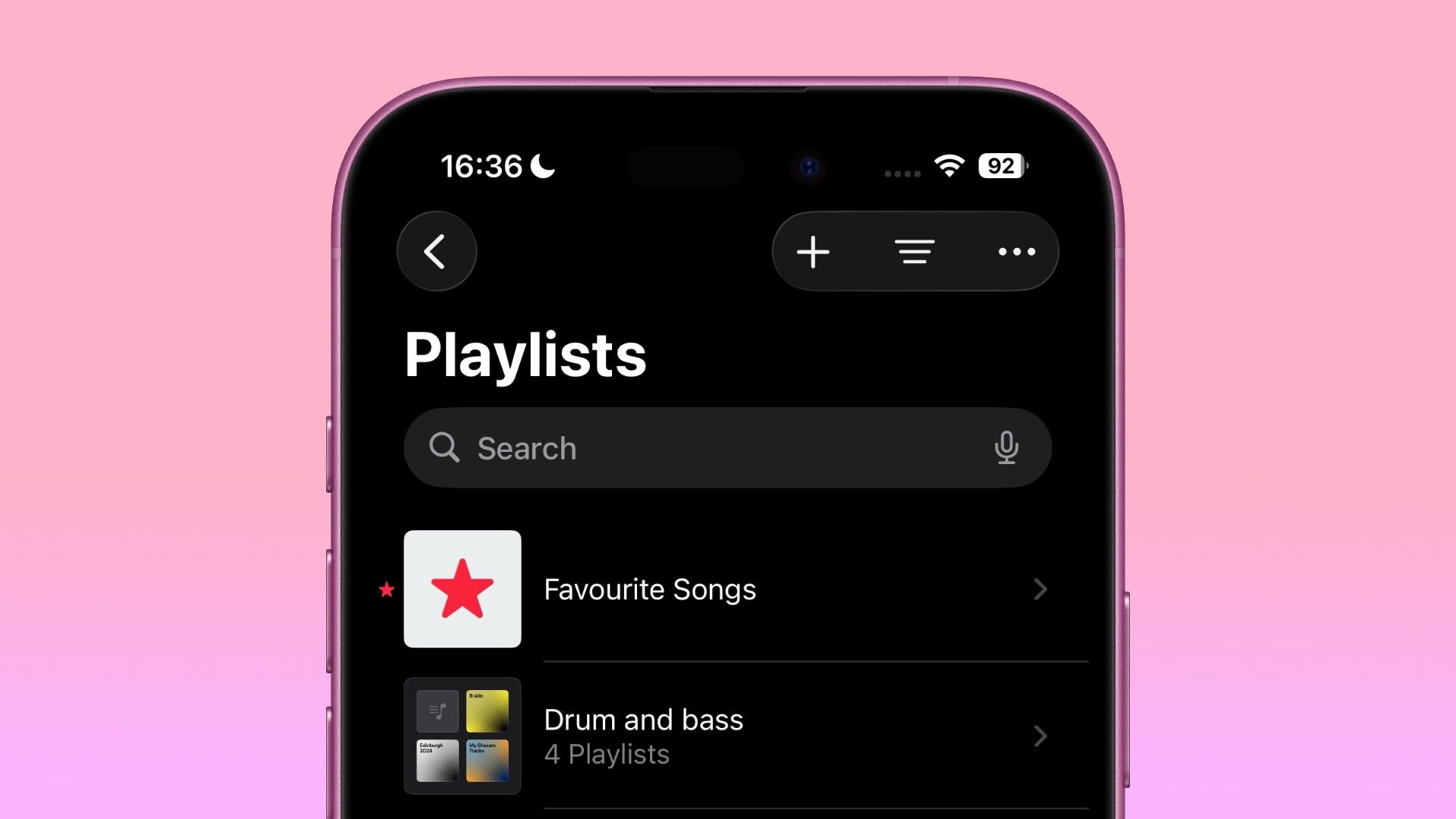
The feature works exactly as you'd expect – simply create the folder, rename it to suit the intended content, and you'll be navigating your music library with newfound efficiency in no time. You can even nest playlist folders by mood, activity, artist, or whatever system that makes sense for how you actually listen to music.
How to Create a New Folder
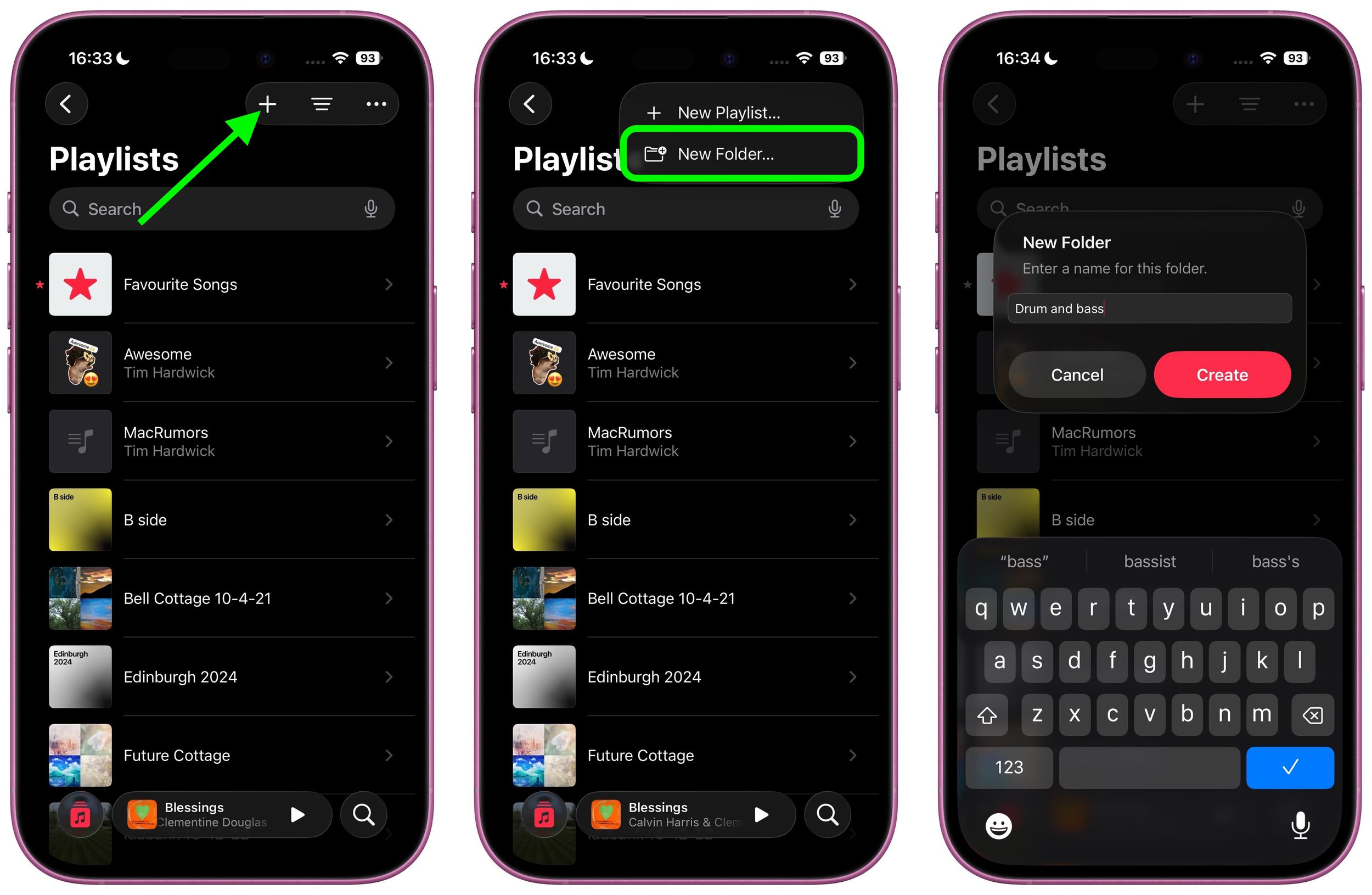
Here's how to create a playlist folder in the Music app:
- In the Playlist section, tap the + icon at the top.
- Choose New Folder... from the popup menu.
- Give your new folder a name, then tap Create.
Move Playlists into a Folder
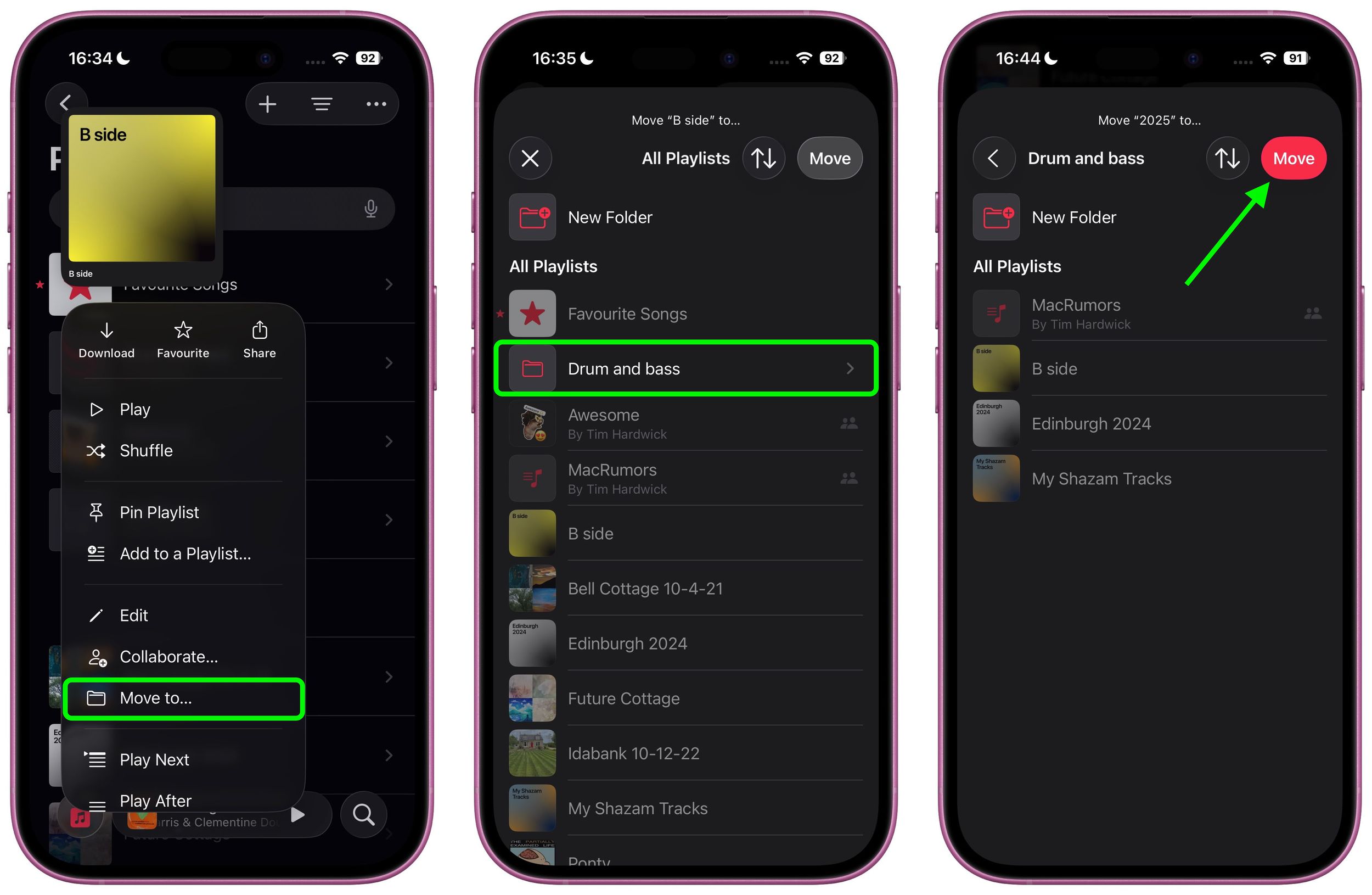
With your folder created, move in some playlists like so:
- Long press on a playlist.
- Choose Move to... from the popup menu.
- Select the folder from All Playlists.
- Tap the red Move button.
That's all there is to it. Finally, iOS 26 and iPadOS 26 bring a little more feature parity with the Music app on Mac.
Don't forget, iOS 26 also introduces Music pins, allowing you to pin your most frequently accessed songs, playlists, albums, and artists directly to the top of your Library tab. iOS 26 is currently in beta, with a general release expected in September.
Popular Stories

Apple Music Has a Hidden iPod You Can Play With

Apple Music's New Look Officially Announced