
iOS 26: Capture iPhone Screen Content in HDR
iOS 26: Capture iPhone Screen Content in HDRTuesday August 26, 2025 8:30 AM PDT by Tim HardwickApple's iOS 26 update, currently in beta, brings a nice optional upgrade to screen capture quality with HDR (High Dynamic Range) captur
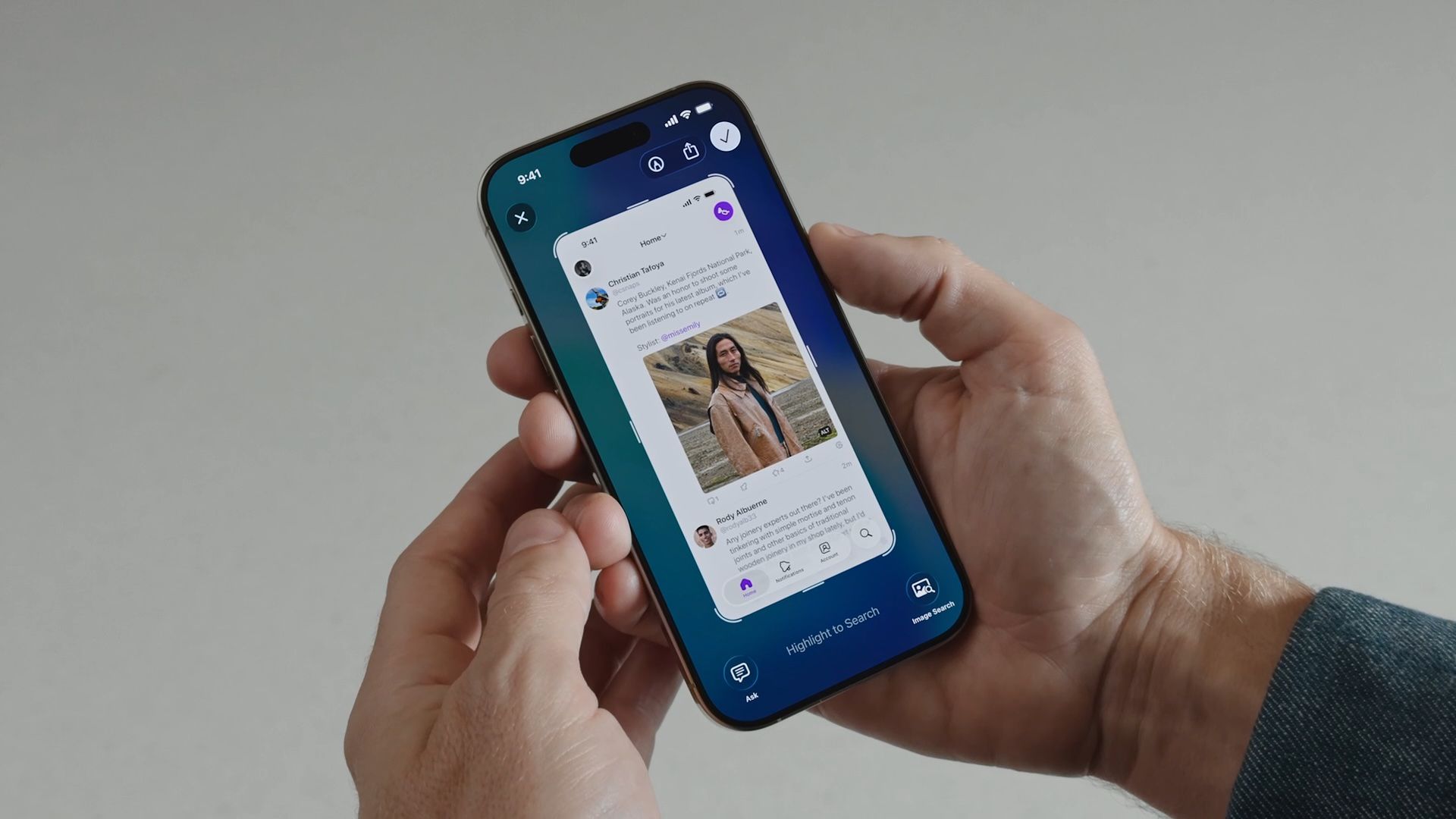
Table of Contents
iOS 26: Capture iPhone Screen Content in HDR
Apple's iOS 26 update, currently in beta, brings a nice optional upgrade to screen capture quality with HDR (High Dynamic Range) capture support. The new feature captures or video-records what's on your iPhone's screen while preserving rich colors and detail.

HDR screenshots are particularly valuable when capturing content with high contrast – like bright app interfaces against dark backgrounds, HDR videos, or detailed photos. The enhanced dynamic range preserves details that would typically be lost in standard screenshots, making them ideal for sharing visual content or documenting app interfaces with greater fidelity.
How to Enable HDR Screenshots
The following steps show you how to switch from standard to HDR screenshot capture:
- Open Settings on your iPhone.
- Scroll down and tap General.
- Tap Screen Capture.
- Under "Format," tap HDR.

That's all there is to it. Your iPhone will now capture all screenshots in HDR format, and video record in HEVC HDR10 format, providing superior image quality with enhanced dynamic range. Just be mindful that the trade-off is larger file sizes, as HDR captures store more image data than standard PNG screenshots and HEVC screen recording.
To return to standard screenshot capture, simply select SDR (Most Compatible) under the same "Format" section in the settings menu.
Additional Screen Capture Features
iOS 26 also includes other useful screen capture options in the same Settings menu. You can enable Full-Screen Previews to display screenshots in a larger view instead of showing a thumbnail, turn on Automatic Visual Look Up to identify objects in your screenshots, and enable or disable CarPlay Screenshots for capturing car display screens.
Popular Stories

Crackgate? iPhone Duo Owners Report Screens Breaking Along the Hinge

Apple Responds to iPhone Duo Display Cracking Reports

