
How to Erase and Factory Reset Your Mac
How to Erase and Factory Reset Your MacWednesday November 20, 2024 4:51 AM PST by Tim HardwickThis article explains how to erase and factory reset your Mac if you plan to give it away, sell it, or trade it in. Apple silicon Macs a

Table of Contents
How to Erase and Factory Reset Your Mac
This article explains how to erase and factory reset your Mac if you plan to give it away, sell it, or trade it in. Apple silicon Macs and Intel Macs with a T2 security chip (2017-2020 models) have an "Erase All Content and Settings" option available in macOS Monterey and later. If you have an older pre-2017 Mac, it's a more convoluted process – follow this link instead to erase and factory reset your machine.
Traditionally, wiping a Mac and returning it to factory settings involved manually signing out of a range of services, erasing your Mac's internal drive, then reinstalling macOS. These steps are quite involved when you consider how easy it is to wipe an iPhone or iPad (Settings -> General -> Transfer or Reset iPhone -> Erase All Content and Settings).
Fortunately, Apple includes the same option on newer Macs running macOS Monterey and later. Erase All Content and Settings in macOS offers a very simple and straightforward way to erase your Mac without needing to reinstall the operating system. Thanks to the way storage is encrypted on Macs with Apple silicon or the T2 chip, the option is able to instantly and securely "erase" all user date by destroying the encryption keys.
Not only does this effectively erase all user data and user-installed apps from your Mac without reinstalling macOS, it also signs out your Apple Account from a range of services, removes any Touch ID fingerprints, purchases, and all Apple Wallet items, and turns off Find My and Activation Lock, making it far easier to restore your Mac to like-new factory settings.
The following steps show you how it's done. Whether you simply want to start fresh with your Mac or are planning to sell or gift your computer to another person, after erasing it using this option, your Mac will display the Setup Assistant and be ready to be set up like new.
- Click the Apple () symbol in the menu bar and select System Settings (System Preferences... if you're not running macOS Ventura or later).
- If you're running macOS Ventura or later, select General in the sidebar, then choose Transfer or Reset -> Erase All Content and Settings.... Otherwise, select System Preferences -> Erase All Content and Settings from the menu bar.

- Enter your admin password in the Erase Assistant dialog prompt and click OK.
- If you haven't already backed up your important data, heed the onscreen Time Machine advice. Otherwise, click Continue.
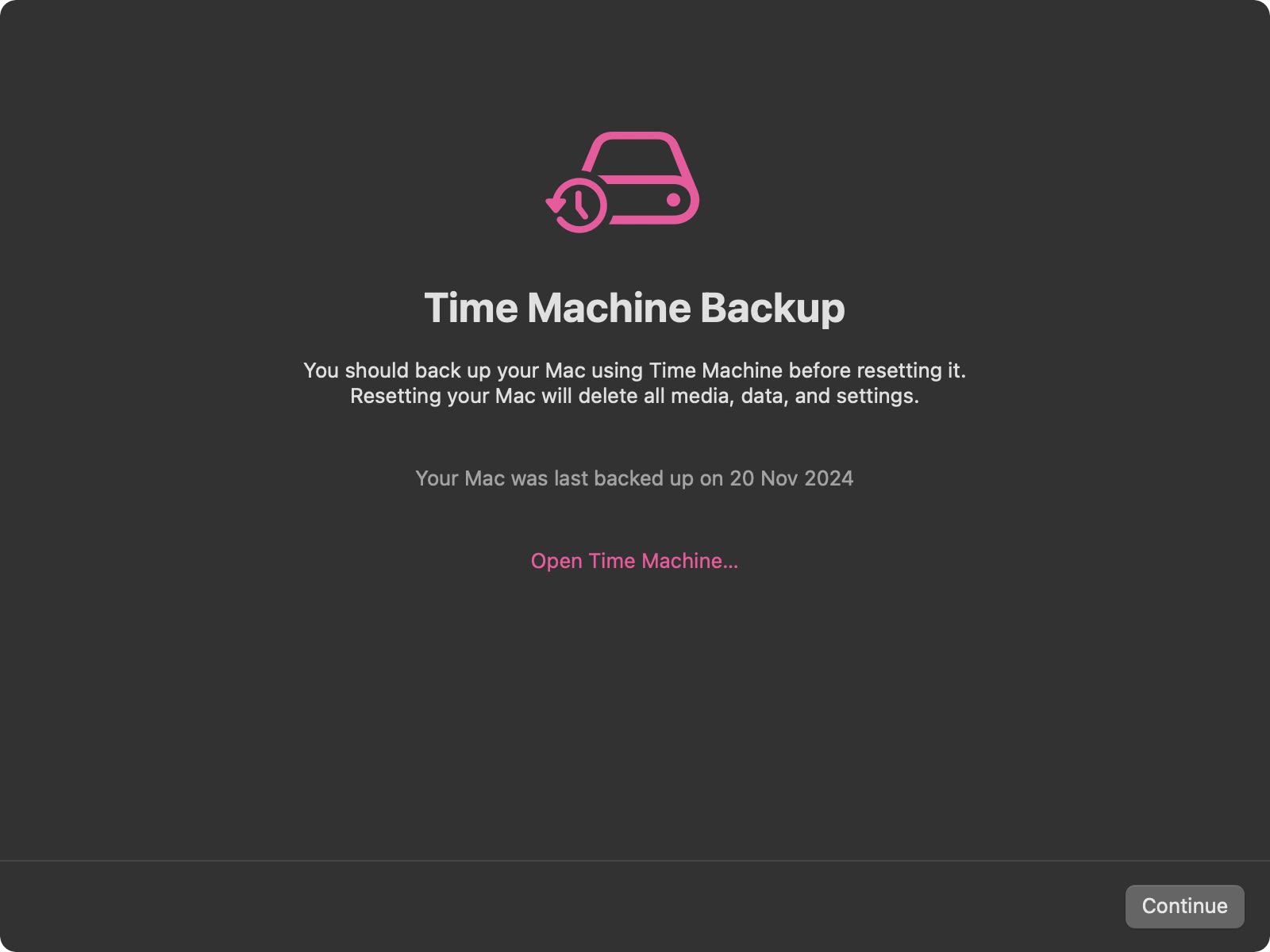
- Note all the settings, data, media, and other items that will be removed. Click Continue if you're sure.

- Enter the password for your Apple Account to sign out, click Continue, then click Erase All Content & Settings in the prompt to confirm.

After following these steps, allow the erase process to complete. Your Mac may restart more than once during the process. Once finished, you'll see the "hello" message on your Mac's screen, indicating that your Mac has been restored to factory settings and Setup Assistant is ready to start anew.
Popular Stories

Crackgate? iPhone Duo Owners Report Screens Breaking Along the Hinge

Apple Responds to iPhone Duo Display Cracking Reports

