
One AirPod Not Working? How to Fix the Problem
One AirPod Not Working? How to Fix the ProblemThursday October 10, 2024 4:04 AM PDT by Tim HardwickApple's AirPods are designed to work seamlessly with all of Apple's Bluetooth-supporting devices, and the wireless earbuds usually

Table of Contents
One AirPod Not Working? How to Fix the Problem
Apple's AirPods are designed to work seamlessly with all of Apple's Bluetooth-supporting devices, and the wireless earbuds usually live up their billing, but that doesn't mean they work perfectly for everyone one hundred percent of the time.
A particularly irritating problem that can sometimes occur with any model of AirPods is when one AirPod drops the connection intermittently or stops working altogether for no apparent reason. If you've been hit by this bug, following the steps below should help you resolve it.
- Launch the Settings app on your iPhone or iPad.
- Tap the name of your AirPods, just below your Apple ID banner. Alternatively, tap Bluetooth, and then tap the 'i' icon next to your AirPods in the list.
- Scroll down to the bottom of the menu and tap Forget this Device.

- Ensure that both AirPods are in their charging case, the case is closed, and that the case has charge.
- Locate the small button on the back of the case, near the bottom. It's flush with the case and the same color as it, so you might need to feel about for it. If you have AirPods 4, Apple has moved the capacitive button to the front of the case, concealing it just below the status light.

- Open the charging case lid.
- For AirPods 4 (both models), double-tap the front of the case until the status light flashes white. For all other AirPods models, press and hold the button for at least 15 seconds. If you are using a first-generation or non-wireless second-generation/third-generation AirPods charging case, the case's internal light between the AirPods will flash white and then amber, indicating the AirPods have reset. If you are using a Wireless Charging Case for AirPods Pro or AirPods 4, you can find this light on the front of the case.
- Now, close the lid of your AirPods case and then open it up again.
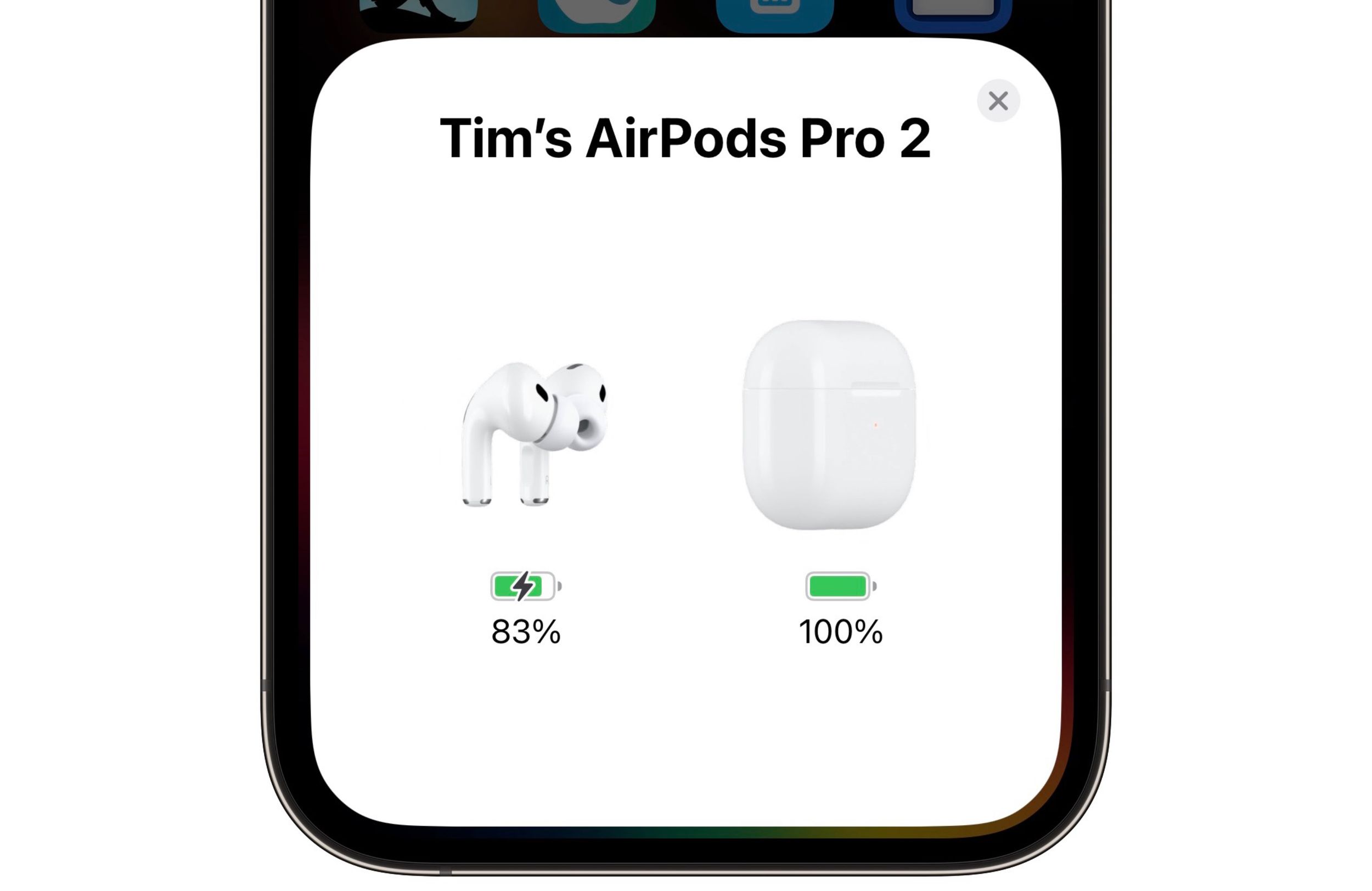
- Hold the AirPods case with open lid next to your iPhone or iPad. Your iOS device should recognize the AirPods and you'll see a popup to connect them.
If the above steps don't solve the problem, try resetting your iPhone's network settings. In the Settings app's main menu select General ➝ Reset ➝ Reset Network Settings, then try re-pairing your AirPods by repeating the steps above.
Time for new AirPods or AirPods Pro?
Check our constantly updated guide for best deals on AirPods.
Popular Stories

Apple Releases New AirPods Beta Firmware
Apple Releases New AirPods Beta Firmware

