
iPhone 16 Pro: How to Use 5x Optical Zoom
iPhone 16 Pro: How to Use 5x Optical ZoomFriday September 20, 2024 7:43 AM PDT by Tim HardwickBoth the iPhone 16 Pro and iPhone 16 Pro Max feature a tetraprism lens system capable of up to 5x optical zoom. That's an improvement ov

Table of Contents
iPhone 16 Pro: How to Use 5x Optical Zoom
Both the iPhone 16 Pro and iPhone 16 Pro Max feature a tetraprism lens system capable of up to 5x optical zoom. That's an improvement over last year's smaller iPhone 15 Pro model, which was limited to 3x zoom.

The Telephoto lens on the iPhone 16 Pro models features Apple's most advanced camera stabilization system so far, with a combination of optical image stabilization and an autofocus 3D sensor-shift module.
When shooting with 5x enabled, the iPhone 16 Pro's Telephoto lens opens at ƒ/2.8, allowing for excellent light management, according to Apple. By comparison, the Galaxy S24 Ultra's 10x lens has a ƒ/3.4 aperture. A lower aperture allows for more light to be captured by the camera's sensor, which can be especially beneficial for Night mode photos.
Camera App Optical Zoom

To use 5x optical zoom in the stock Camera app, simply tap the 5x button at the bottom of the viewfinder. When 5x optical zoom is enabled, you can also enable up to 25x digital zoom by pinching in the viewfinder, although bear in mind that image quality degrades the more you zoom in digitally.

Camera Control Optical Zoom
Apple's latest iPhone 16 models also add a new Camera Control button (located on the lower right-hand side when holding the phone in portrait mode). The new button aims to make it easier to adjust photography settings when shooting with the iPhone in both portrait and landscape orientation. By default, a single click of the Camera Control button brings up the Camera app, which is where the button's additional functionality lays hidden, but it can be easily invoked with light press gestures.
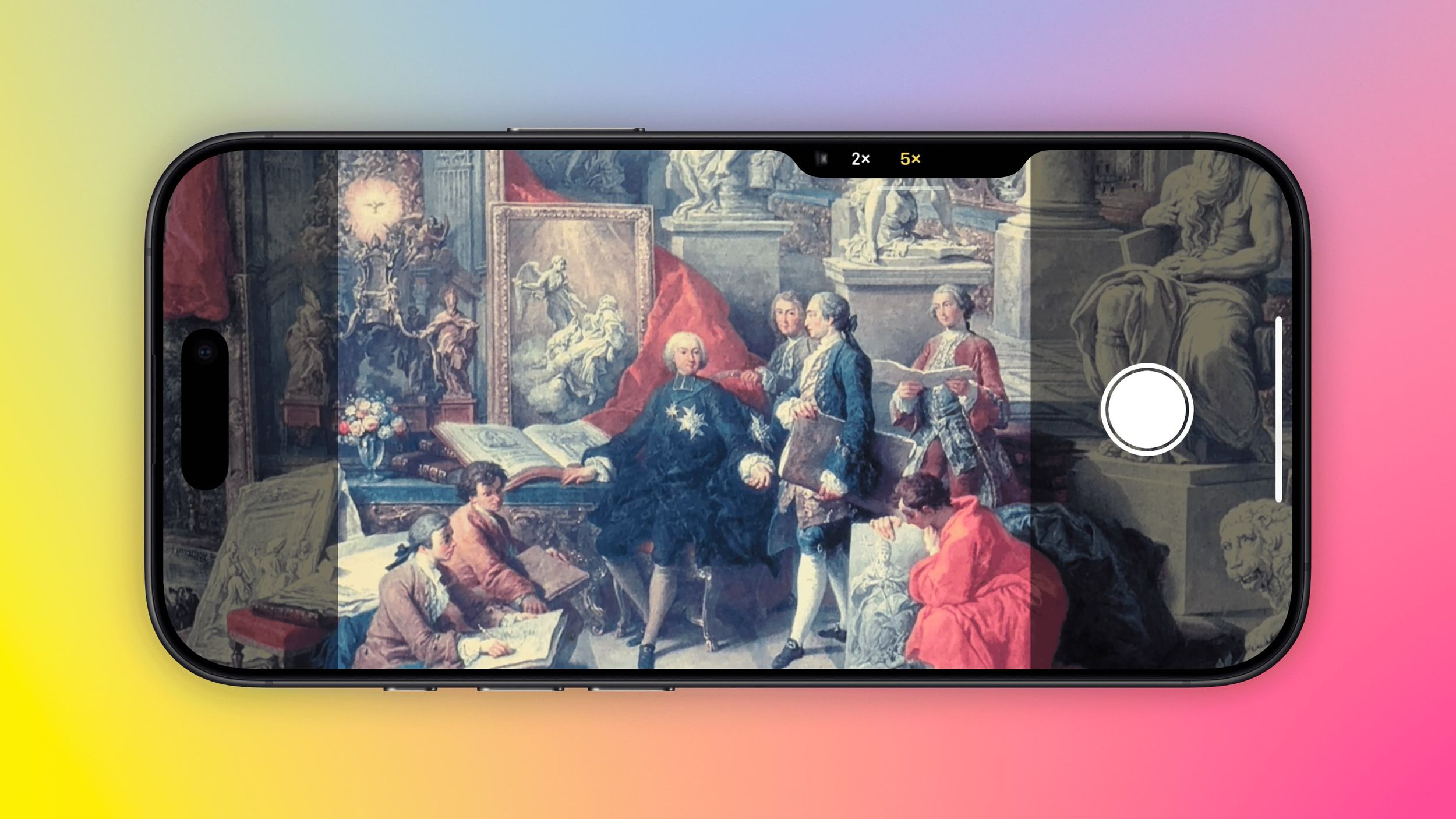
A light press on the Camera Control button engages a haptic click to bring up a scrollable menu of settings that include 5x optical zoom, thanks to a handy sliding interface that operates similarly to a camera dial. Another light press selects the setting, which is adjustable with a swipe (.5x, 1x, 2x, 5x). When you've made your selection, a double light press returns you to the main Camera Control menu, while a full press down takes the picture, just like a shutter button.
Digital Zoom
The iPhone 16 Pro's 25x digital zoom limit still falls below the competition. Samsung's latest Galaxy S24 Ultra smartphone for example has 100x Space Zoom that can capture images from 330 feet away, while the Pixel 8 Pro has 30x digital "Super Res Zoom" with its 5x optical zoom lens.
To its credit though, Apple has never leaned into digital zoom because the quality is poor. Optical zoom provides a crisp, clear image using the camera hardware, but digital zoom uses software enhancement to crop in.
Both devices share other camera improvements. The iPhone 16 Pro models have a 48-megapixel "Fusion" camera, a new name that Apple is using for the Main camera. There is no improvement to the ƒ/1.78 aperture or second-generation sensor-shift optical image stabilization, but there is a new second-generation quad-pixel sensor. Both models also have a 48-megapixel Ultra Wide camera, up from 12 megapixels, and it has with an ƒ/2.2 aperture.
Popular Stories

Crackgate? iPhone Duo Owners Report Screens Breaking Along the Hinge

Apple Music Has a Hidden iPod You Can Play With

