
iPad Mini 6: How to Hard Reset or Shut Down
iPad Mini 6: How to Hard Reset or Shut DownWednesday December 22, 2021 3:10 PM PST by Tim HardwickApple's 2021 iPad mini features an edge-to-edge display with no Home button included and Touch ID built into the Power button instea

Table of Contents
- 1. To Shut Down/Restart Your iPad Mini 6
- 2. To Force Restart Your iPad Mini 6
- 3. Popular Stories
- 4. Apple to Launch Touchscreen OLED MacBook Pro and OLED iPad mini on October 27
- 5. Oops, Apple's Website Just Hinted at iPad Mini 8
- 6. Apple Now Inviting Media to October 28 'Launch Experience'
- 7. Next Article
iPad Mini 6: How to Hard Reset or Shut Down
Apple's 2021 iPad mini features an edge-to-edge display with no Home button included and Touch ID built into the Power button instead. The lack of a Home button has resulted in some re-mapped gestures and features, with Apple introducing the restart, shut down, and force restart methods that are common to other iPads with no Home button.
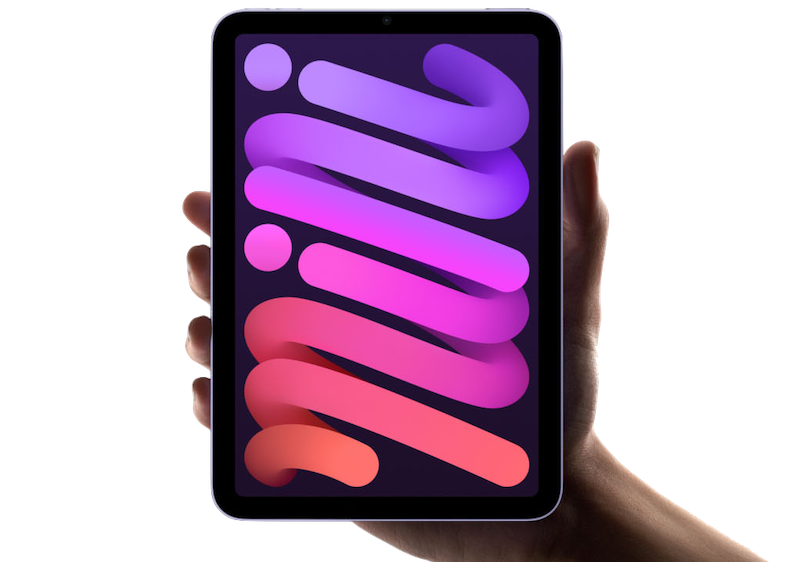
A shut down and a restart are the same gesture now, while a force restart, used if a regular restart won't work, is a bit different.
To Shut Down/Restart Your iPad Mini 6
- Press and hold down on the top power button and either the volume up or volume down button until a slider appears.
- Slide a finger along the on-screen slider to turn off the iPad.
- Once it's turned off, press and hold on the top power button again until the Apple logo appears.
On previous iPad mini models, you could restart by holding down the Home button and the Side button on the device at the same time, but in the new model, you need to do a full shutdown and then power the tablet back up in a separate step.
You can also turn off your iPad mini by opening up the Settings app, choosing General, and selecting Shut Down.
To Force Restart Your iPad Mini 6
- Press and quickly release the volume up button.
- Press and quickly release the volume down button.
- Press and hold the top Power button until a restart is initiated.
All of the gestures used in the new iPad mini are the same as the gestures used in the iPad Air and iPad Pro, and you can also follow these same steps to shut down or restart an iPhone without a Home button, just with one small tweak: You'll need to hold the Side button on the right because there is no top power button.
Popular Stories

Apple to Launch Touchscreen OLED MacBook Pro and OLED iPad mini on October 27

Oops, Apple's Website Just Hinted at iPad Mini 8

