iOS 26: Save Physical Card Details in Wallet App
iOS 26: Save Physical Card Details in Wallet AppWednesday September 3, 2025 3:22 AM PDT by Tim HardwickApple's Wallet app in iOS 26 includes a new feature that lets you store physical card information alongside your digital paymen

Table of Contents
iOS 26: Save Physical Card Details in Wallet App
Apple's Wallet app in iOS 26 includes a new feature that lets you store physical card information alongside your digital payment cards. This allows you to quickly access account numbers, expiry dates, and other details without carrying the physical card.
It's a simple addition in iOS 26, but it brings the Wallet app closer to being a comprehensive card management tool, filling the gap that third-party apps like 1Password typically fill. With the full card information to hand, you can check your card's expiry date for a subscription service or provide account details over the phone, without needing to dig through your physical wallet or memorize card numbers. It also means you don't have to delve into settings to find Safari's Autofill fields.
Adding Physical Card Information
To store your physical card details, follow these steps:
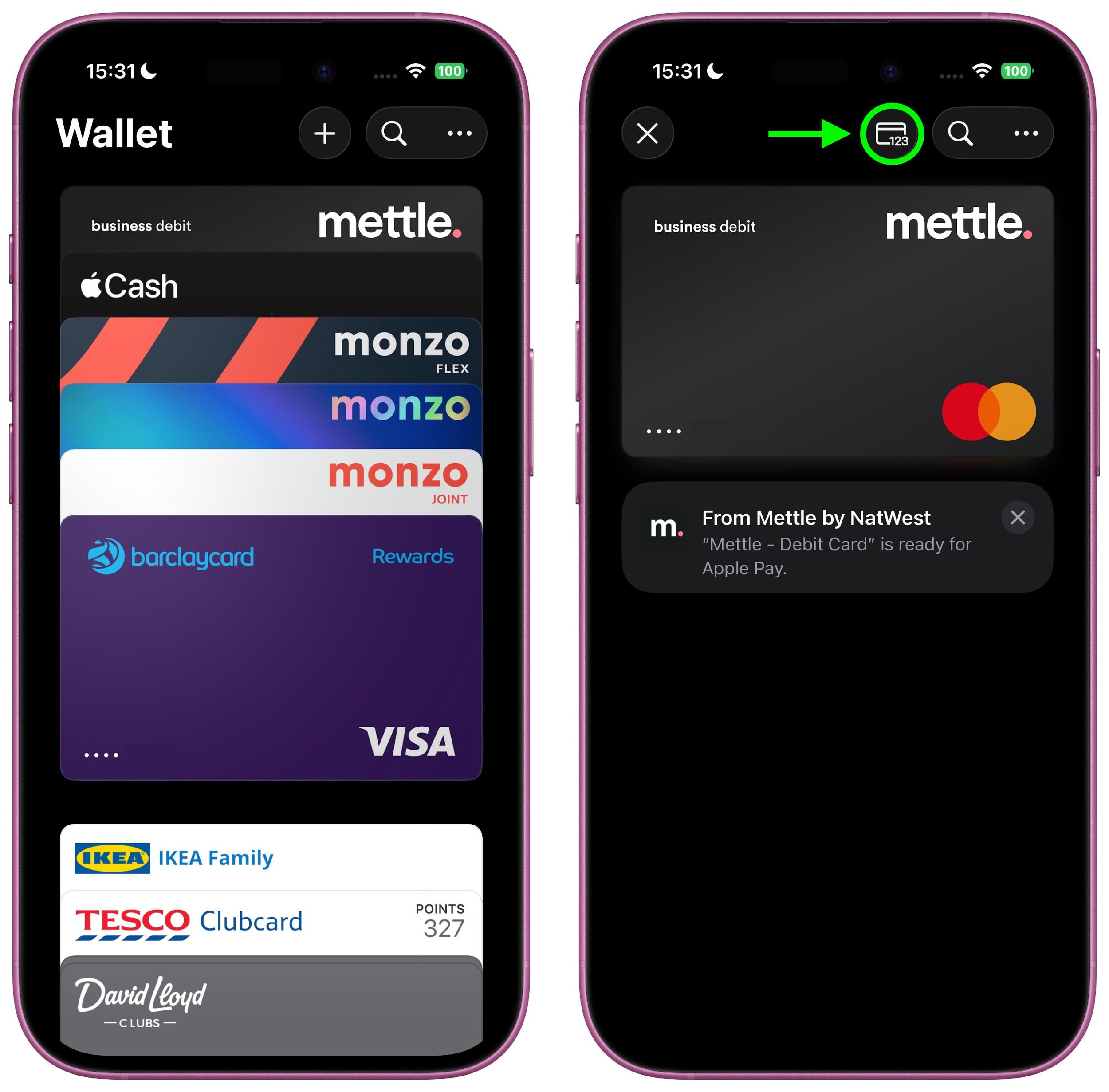
- Open the Wallet app on your iPhone, then tap one of your stored cards. Alternatively, add a new card using the + button, then select it in Wallet.
- Tap the "123" card symbol at the top, then authenticate with Face ID or your passcode.
- Select Add Physical Card Information.
- Fill in your card details including name, number, expiry date (optional), and security code.
- Add a description to help identify the card.
- Tap Done to save.

Apple encrypts and stores this information in your iCloud Keychain, keeping it secure and accessible only to you. The details are not used for Apple Pay transactions.
Viewing Stored Information
After adding your details, simply tap the card in Wallet and then tap the same "123" button at the top. You'll need to authenticate with Face ID or your passcode before the information displays, adding an extra layer of security to your stored card data.
Note that this is a feature of iOS 26, which is currently in beta. Apple will roll out a public release of iOS 26 sometime in September.
Popular Stories
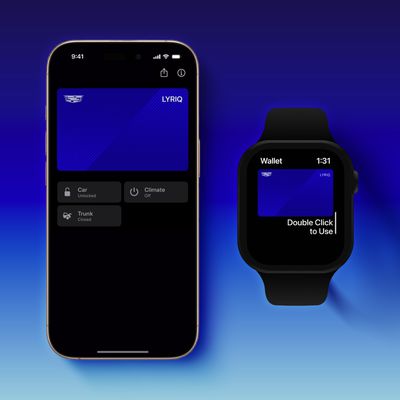
GM Says Apple Wallet Car Keys Coming to These Vehicles
Manchester's Bee Card Now Fully Supported in Apple Wallet