iOS 17.2: How to Set a Journaling Schedule on iPhone
iOS 17.2: How to Set a Journaling Schedule on iPhoneMonday November 20, 2023 5:09 AM PST by Tim HardwickApple in iOS 17.2 added its long-awaited Journal app to iPhone. This article explains how to set a journaling schedule and get
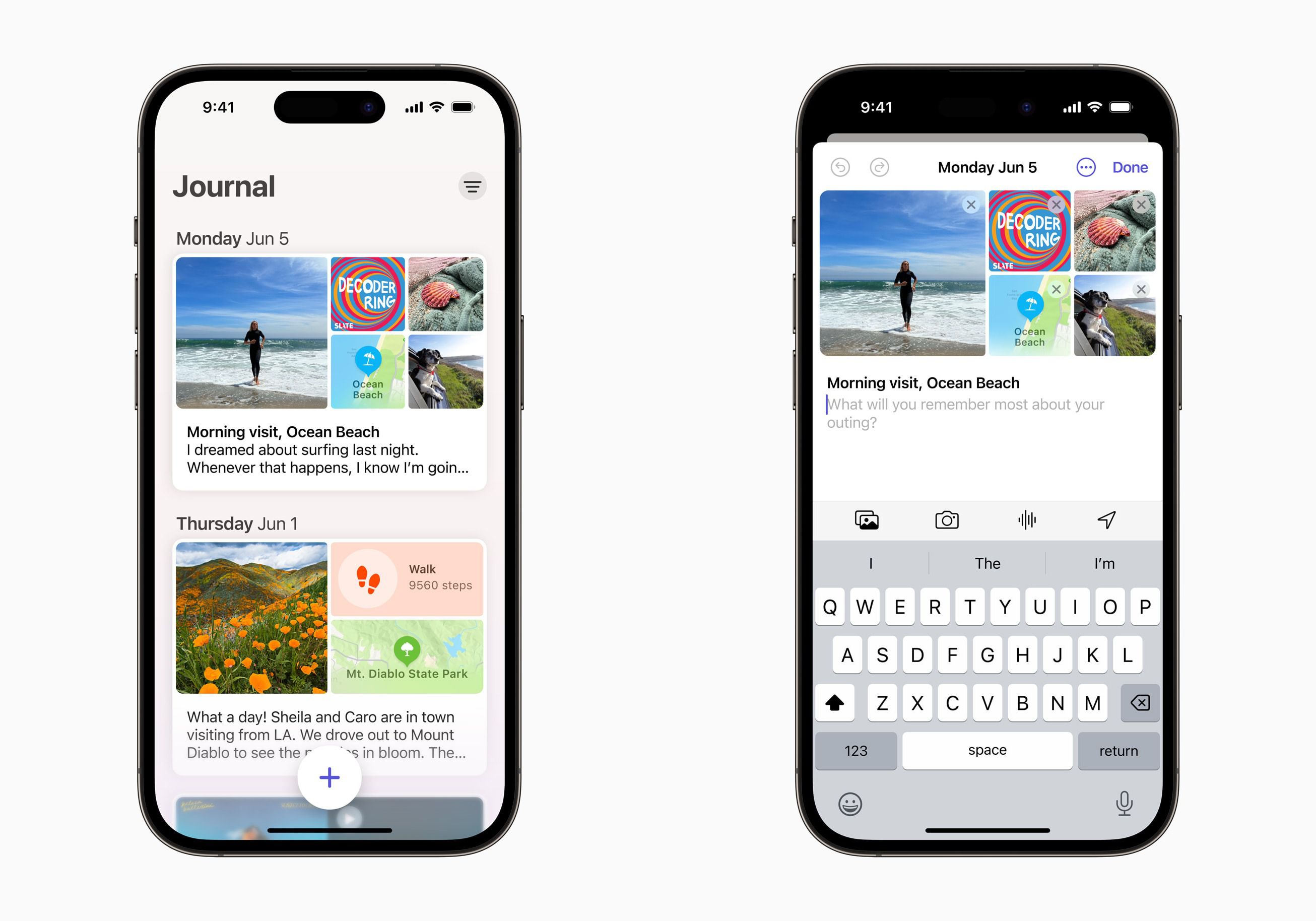
Table of Contents
iOS 17.2: How to Set a Journaling Schedule on iPhone
Apple in iOS 17.2 added its long-awaited Journal app to iPhone. This article explains how to set a journaling schedule and get reminders for when it's time to write.

Apple announced in June 2023 announced it was bringing its own journaling app to iOS 17, and it has since been confirmed that the app is included in iOS 17.2, which is currently available to download as a beta.
Apple's Journal app lets you record your daily thoughts and activities, incorporating data like photos, music listened to, workouts, and more, plus it suggests topics to write about.
Of course, anyone can start a journal with the best intentions, but many people find journaling with any frequency hard to sustain. Thankfully, Apple understands that staying consistent with journaling can be difficult, which is why it has included a scheduling feature.
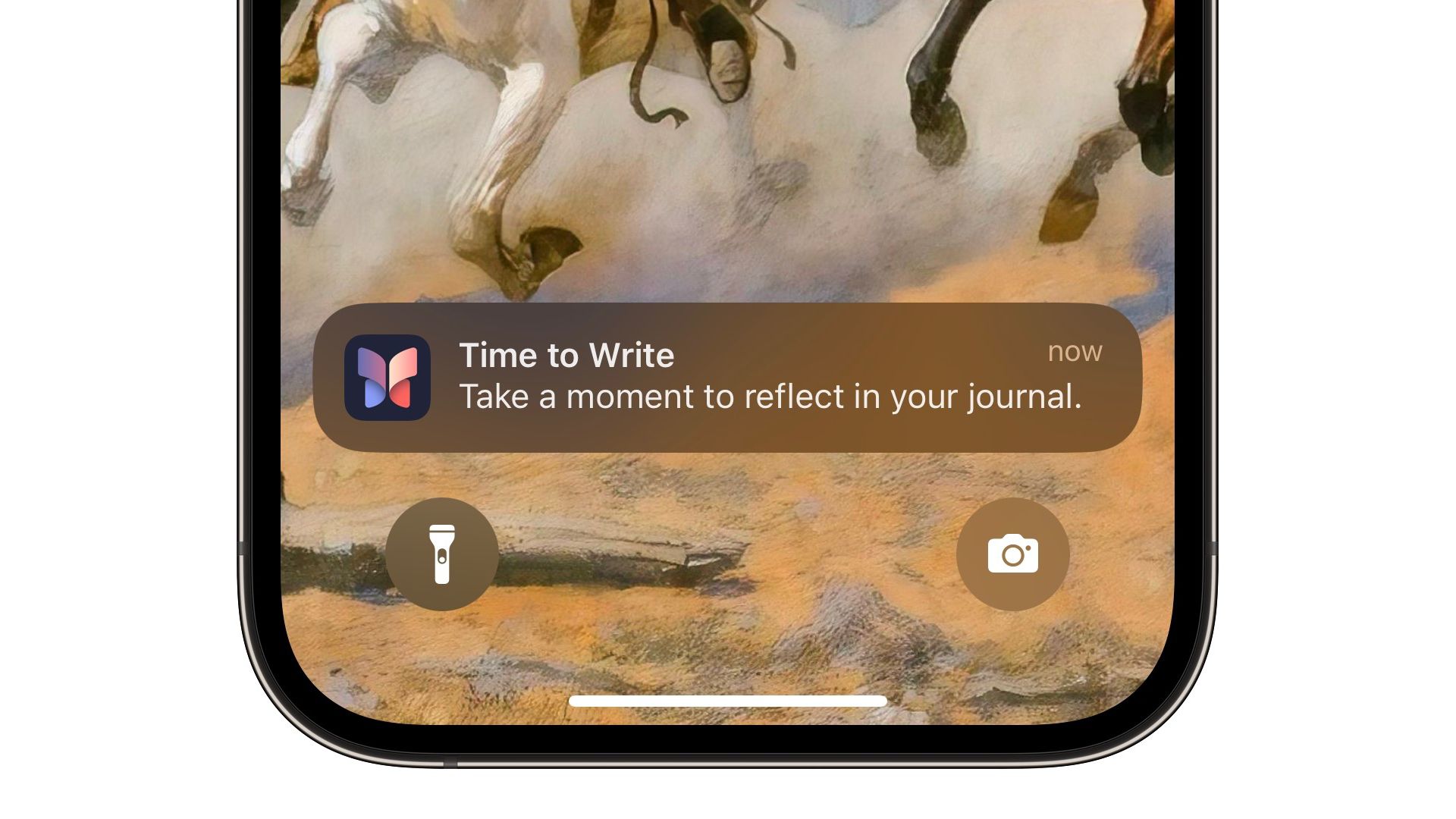
When the feature is enabled, you will receive helpful notifications on the days you have chosen for when it is time to write on your iPhone. The following steps show you how to set it up in iOS 17.2.
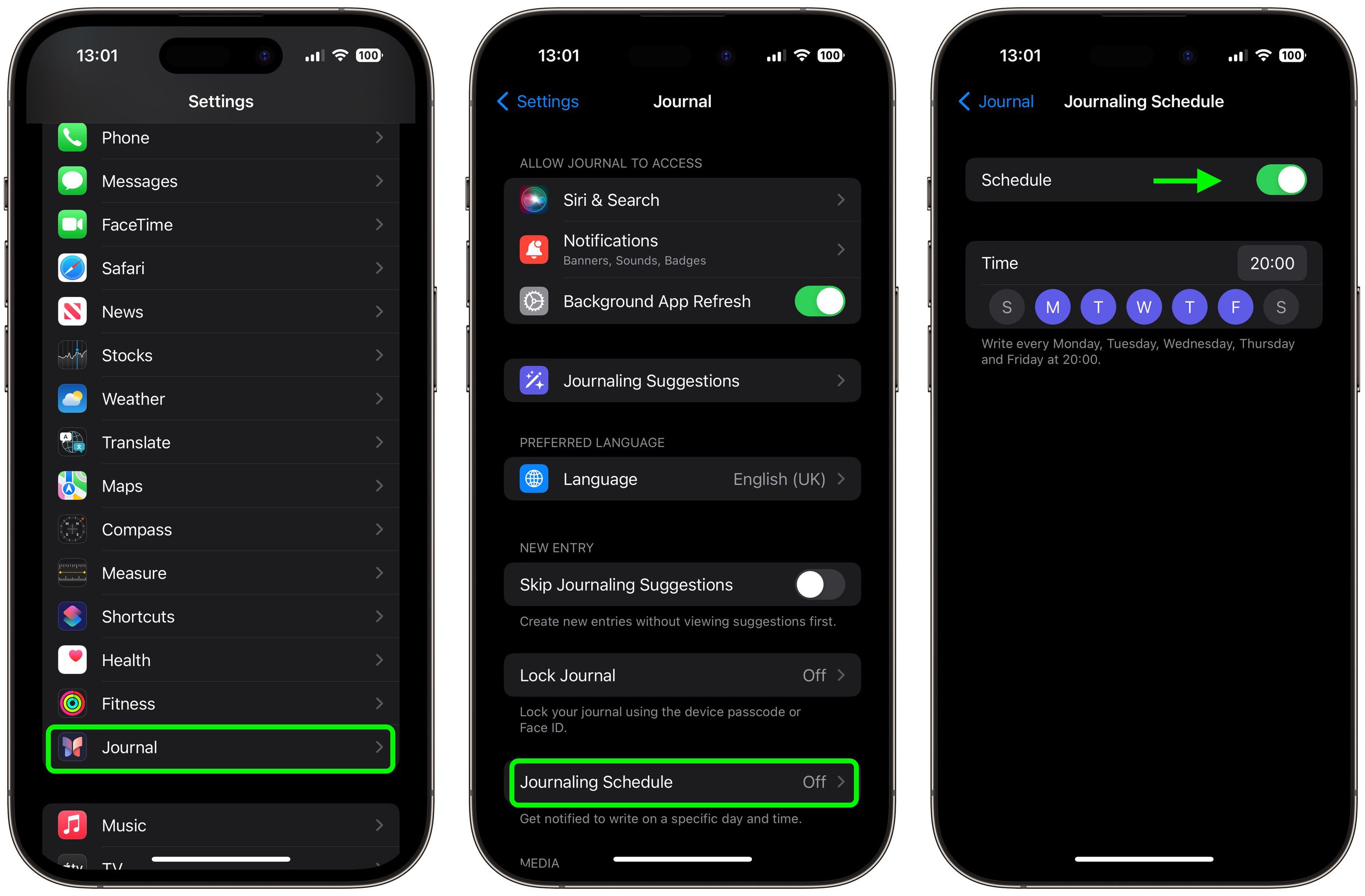
- Launch the Settings app on your iPhone.
- Scroll down and tap Journal.
- Tap Journaling Schedule, then toggle on the Schedule switch if it isn't already enabled.
- Choose a time to write.
- Tap the days of the week that you want to be notified when it's time to write.
That's all there is to it. The scheduling option isn't just a reminder – it's about building a habit. So whether it's a gentle reminder notification that you need in the morning or a prompt before bed, you can adapt the feature to your personal routine.
Popular Stories

Crackgate? iPhone Duo Owners Report Screens Breaking Along the Hinge

Apple Music Has a Hidden iPod You Can Play With