
How to Install the macOS Big Sur Public Beta
Apple in August released the macOS Big Sur beta for its public beta testing group, allowing them to test out the new software for Macs ahead of its release this fall. The macOS Big Sur Public Beta is available to anyone with a com
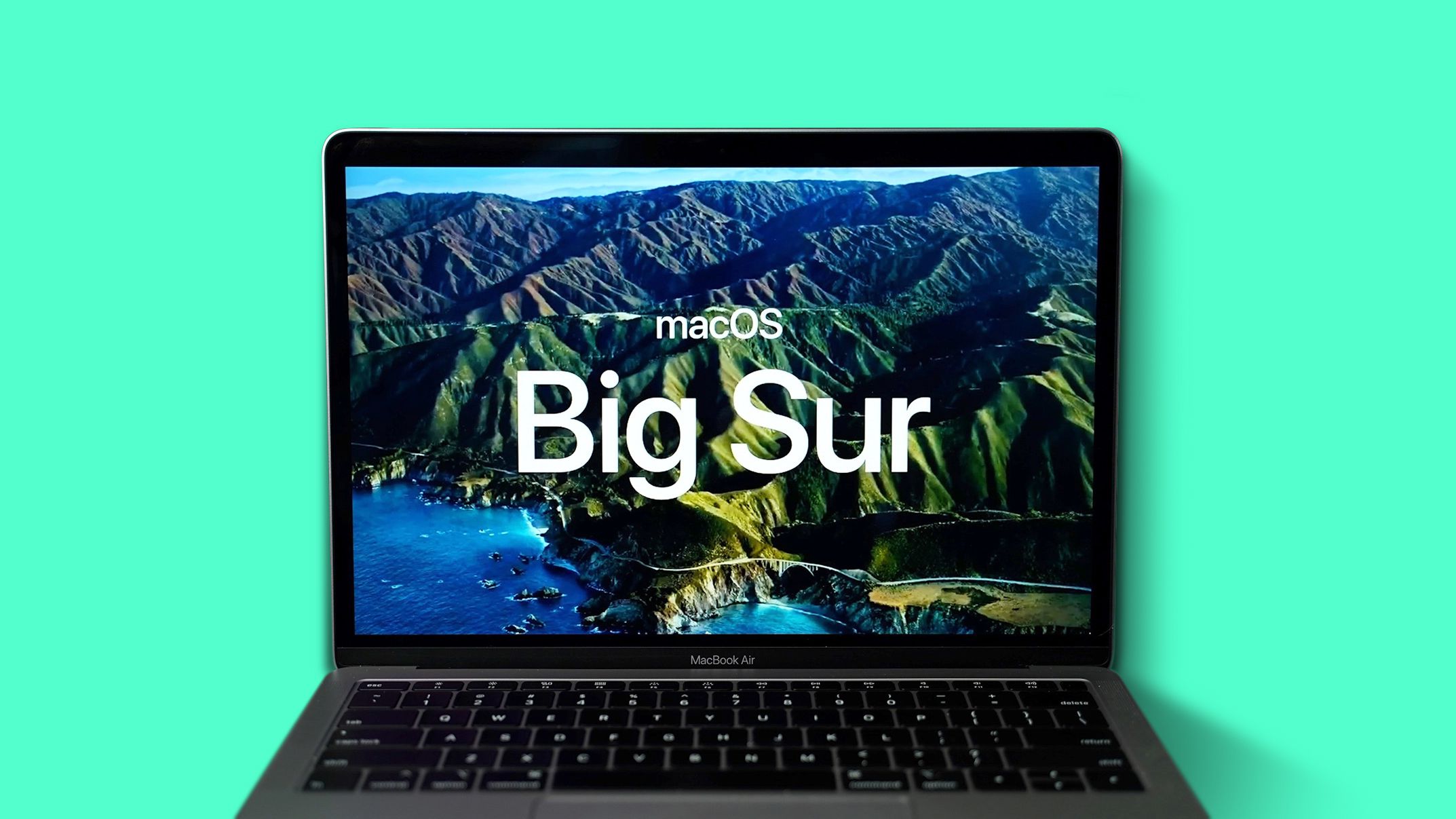
Table of Contents
- 1. Will macOS Big Sur Run on My Mac?
- 2. Make a Time Machine Backup
- 3. Enroll in Apple's Beta Software Program
- 4. Downloading and Installing the macOS Big Sur Beta
- 5. Install the macOS Big Sur Public Beta
- 6. Popular Stories
- 7. Apple Responds to iPhone Duo Display Cracking Reports
- 8. Crackgate? iPhone Duo Owners Report Screens Breaking Along the Hinge
- 9. iPhone Duo Fails JerryRigEverything's Dusty Durability Test
Apple in August released the macOS Big Sur beta for its public beta testing group, allowing them to test out the new software for Macs ahead of its release this fall.

The macOS Big Sur Public Beta is available to anyone with a compatible Mac and it does not require a developer account. This guide walks you through the steps on installing the beta software. Note that you will need about 20GB of free space on your hard drive before attempting an installation.
Before you jump in and download the update, it's worth noting that Apple does not recommend installing the macOS Big Sur Public Beta on your main Mac, so if you have a secondary machine, use that. This is beta software, and there are often bugs and issues that pop up that can prevent software from working properly or cause other problems.
Will macOS Big Sur Run on My Mac?
macOS Big Sur is compatible with most 2013 and later machines, outlined below:
- 2015 and later MacBook
- 2013 and later MacBook Air
- Late 2013 and later MacBook Pro
- 2014 and later iMac
- 2017 and later iMac Pro
- 2014 and later Mac mini
- 2013 and later Mac Pro
The operating system update does not support the following Macs that were capable of running macOS Catalina:
- 2012 and Early 2013 MacBook Pro
- 2012 MacBook Air
- 2012 and 2013 iMac
- 2012 Mac mini
Make a Time Machine Backup
Before upgrading to the new beta, make sure to make a backup using Apple's Time Machine feature with an external drive.
If you want to revert back to your previous setup after testing macOS Big Sur or if it doesn't work out, you'll need to re-install macOS Catalina and a backup can be helpful to get things up and running as before.
Enroll in Apple's Beta Software Program
Installing macOS Big Sur requires enrolling your Mac in Apple's free Apple Beta Software Program. Follow these steps to do so.

- Visit the Apple Beta Software Program website in a browser on your Mac.
- Click on the blue Sign up button or, if you're already a member, click sign in.
- Enter your Apple ID and password and then a two-factor authentication code if verification is required.
- Agree to the Apple Beta Software Program terms and conditions.
- Once signed in and at the Guide for Public Betas page, scroll up to the top and click on "Enroll Your Devices" then click on "macOS."

Downloading and Installing the macOS Big Sur Beta
Once you're enrolled in Apple's public beta testing program, you can download macOS Big Sur.
- Make sure you've made your backup as outlined above, and then scroll down to "Enroll your Mac" option.

- Click on "Download the macOS Public Beta Access Utility."
- When asked if you want to allow downloads on "beta.apple.com" click on "Allow."

- Unless you've changed where files download, the beta installer (macOSPublicBetaAccessUtility.dmg) will show up in your downloads folder. Locate it and double click on it to open it up.

- Double click on the .pkg file inside to run the installer.

- You may see a warning advising you to back up your Mac with Time Machine. Either stop here and back up, or, if you've already done so, Click OK and then click Continue.
- Click Continue again and then click on Agree to accept Apple's software license agreement.
- Click on Install. Enter your admin password if prompted.

- Once the installer has completed the download, the System Preferences Software Update panel will open automatically and display the macOS Big Sur Beta download as available. Click on Upgrade Now to download the public beta software when prompted. It will take some time to download the file, which is around 12GB. When the download is complete, your Mac should restart.

Install the macOS Big Sur Public Beta
After you restart, you will see the macOS Big Sur installer launch automatically. If it doesn't, find it in the Applications folder using Finder and click on it.

- Click Continue at the bottom of the installer.
- Click Continue at the bottom once you've finished backing up, or if you already performed a backup.
- Click Agree to accept the terms and conditions and then click Agree again to confirm.
- Select the drive that you want to install the public beta on. You can choose your main drive or a partition that you've created.

- Click Install, enter your administrator password, and click OK.
- Click Restart, or wait for your Mac to reboot automatically.
After clicking on restart, the macOS Big Sur installation process will begin. It will take some time, but when the Mac boots up again, it will be running the macOS Big Sur Public Beta. For a list of everything that's new in macOS Big Sur, make sure to check out our macOS Big Sur roundup.
Popular Stories

Apple Responds to iPhone Duo Display Cracking Reports

Crackgate? iPhone Duo Owners Report Screens Breaking Along the Hinge
