How to enable Android Safe Search settings
To enable the Safe Search feature (Google Search) of your Android device follow the below procedure.

How to enable Android Safe Search settings

To enable the Safe Search feature (Google Search) of your Android device follow the below procedure.
To enable the SafeSearch filter on Android:
- Go to Apps > Settings > Accounts.
- Select your Google Account and go to the Search section:
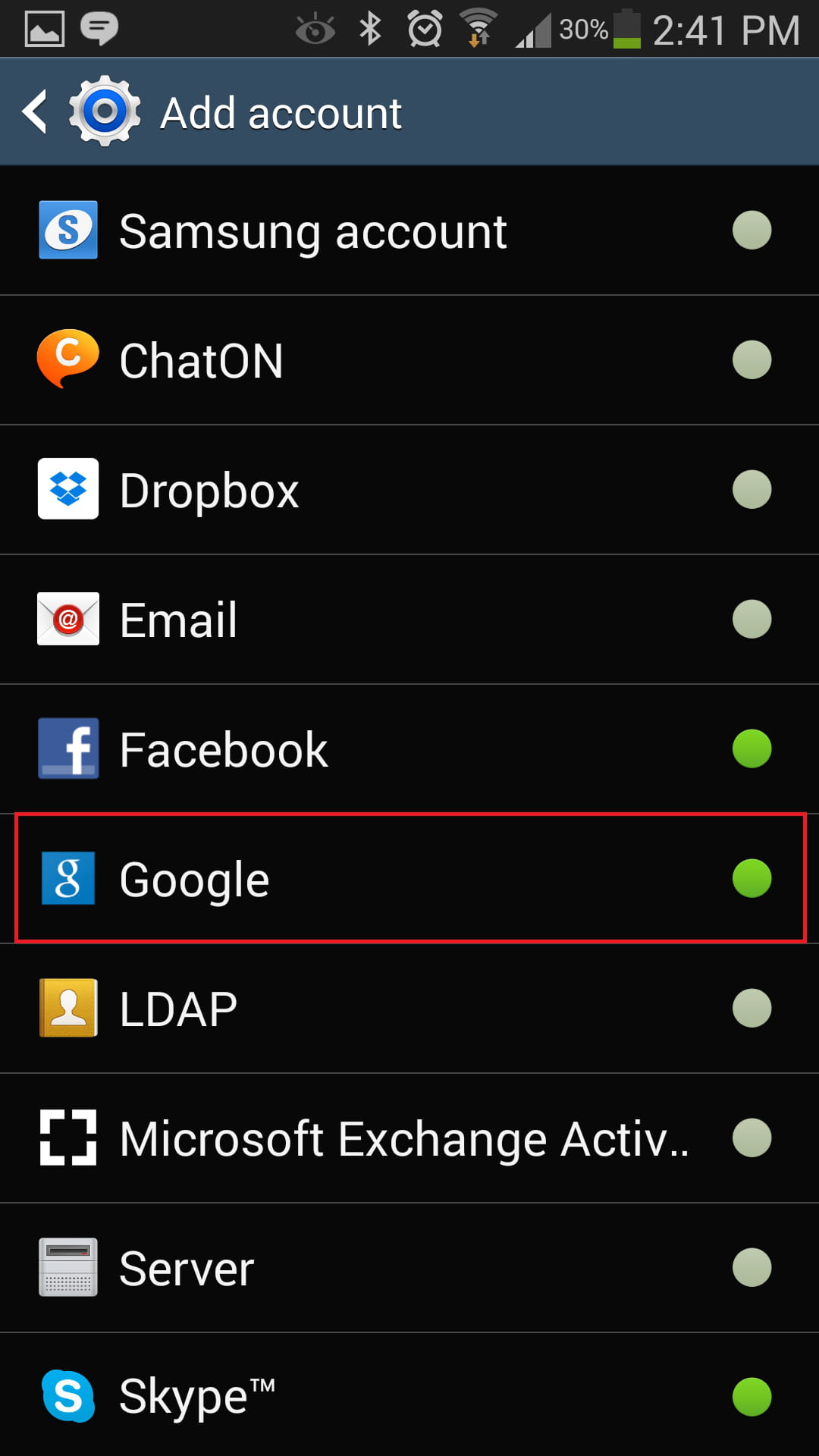
- In the Privacy section, tap on Accounts & Privacy:

- Check "SafeSearch filter".

Need more help with your mobile? Check out our Forum!
Subject
Replies