
Here's How to Let Someone Else Try Your Apple Vision Pro
Here's How to Let Someone Else Try Your Apple Vision ProFriday February 2, 2024 9:07 AM PST by Juli CloverIf you have an Apple Vision Pro, you're undoubtedly going to get requests from friends and family members who want to give i

Table of Contents
- 1. How to Start a Guest User Session
- 2. How to End a Guest User Session
- 3. Guest User Options
- 4. Popular Stories
- 5. New Vision Pro Headset: Apple Considering Four Different Concepts
- 6. Apple Unveils Immersive Horror Film Coming Exclusively to Vision Pro
- 7. Apple Releases Third watchOS 27.2, tvOS 27.2 and visionOS 27.2 Betas
- 8. Next Article
Here's How to Let Someone Else Try Your Apple Vision Pro
If you have an Apple Vision Pro, you're undoubtedly going to get requests from friends and family members who want to give it a try. The headset is primarily designed for a single user because of the customized fit of the Light Seal, but Apple planned for demos with a built-in Guest Mode.
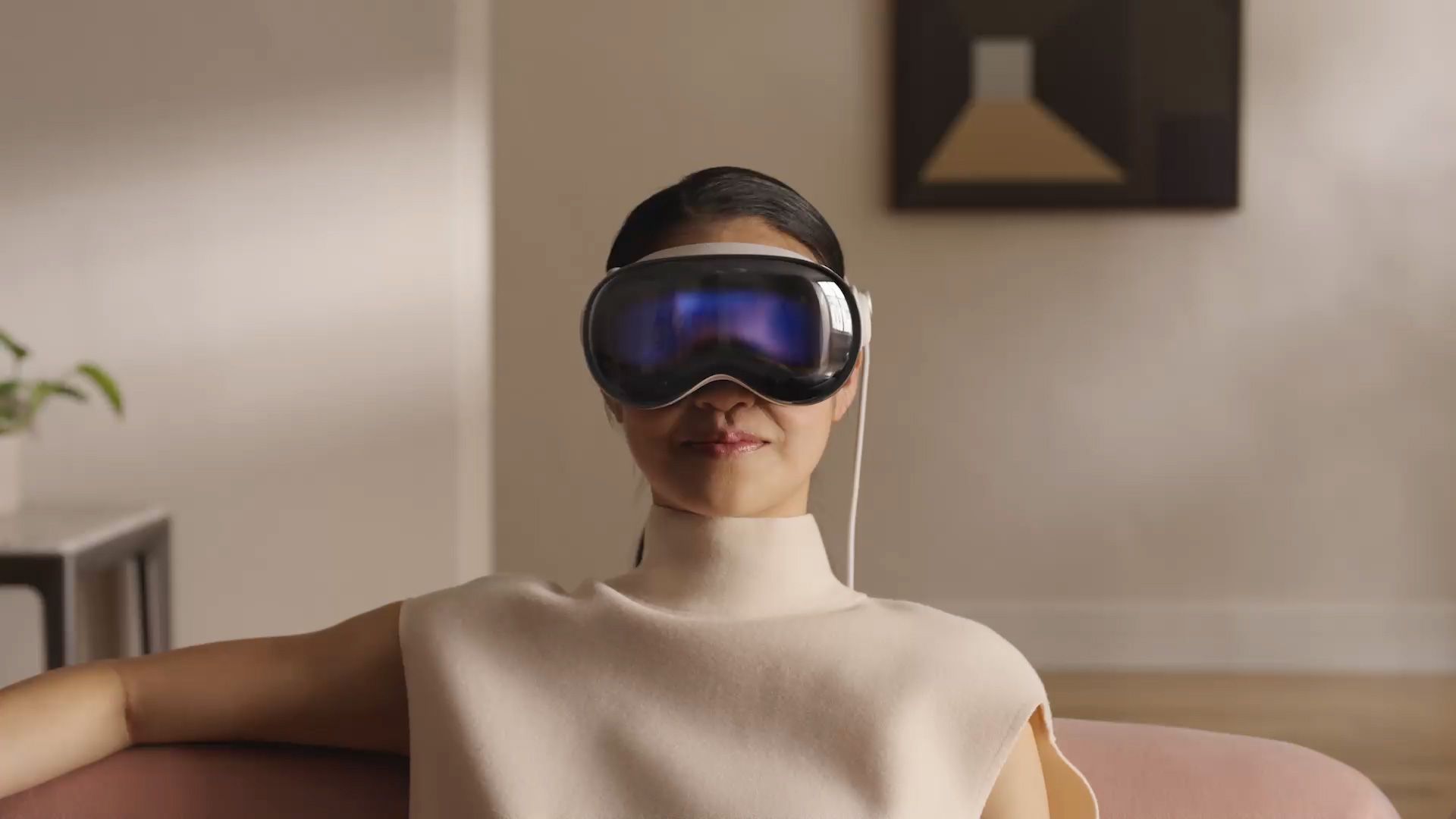
Apple warns that guests might not be able to get an optimal fit, but Apple recommends having the person test both the Solo Knit and Dual Loop Bands. Apple suggests that guests should have their own personalized Light Seal, but Light Seals are priced at $200, so that's quite a steep add-on cost.
Guests can try Vision Pro with a customizable Guest User section. Apple says that to limit access to apps, a passcode should be set. Apps that you don't want the guest to use should be closed, and apps you want to demo should be opened.
How to Start a Guest User Session
- Open the Control Center by looking up and tapping the down button at the top of the view.
- Tap on the Control Center button to open up more options.
- Tap on the Guest User button.
- Tap Allowed Apps under the Guest User window. Select from Open Apps Only to limit access, or All Apps & Data for unrestricted access.
- Tap on the back button, and then tap on Start. You'll get a notification that you have five minutes to hand the headset over to the guest user. If you don't hand it over within five minutes, Guest User turns off and the Vision Pro locks.
Apple says that if you tap on View Mirroring while in the Control Center, you can see what your guest is seeing on Vision Pro on one of your other Apple devices.
You will need to walk your guest through using Vision Pro, and they may need to press and hold on the Digital Crown until the displays align and a green checkmark appears. A hand and eye setup will follow so the Vision Pro responds appropriately.
How to End a Guest User Session
To end a Guest User session, the guest simply needs to remove the Vision Pro. The next time you wear your Vision Pro, it will return to your personal hand and eye settings.
Guest User Options
During a Vision Pro Guest session, a guest can access all apps and data or just the apps you've allowed. Any open app will have full access, so if you open Photos, they can see your images, or in Apple Music, they can listen to your content.
Guests will not have access to your Apple ID, Persona, or Wallet & Apple Pay.
Guests do have access to a selection of settings such as accessibility, an option to redo eye and hand setup, and an option to learn more about the Guest User experience.
Popular Stories

New Vision Pro Headset: Apple Considering Four Different Concepts

Apple Unveils Immersive Horror Film Coming Exclusively to Vision Pro

